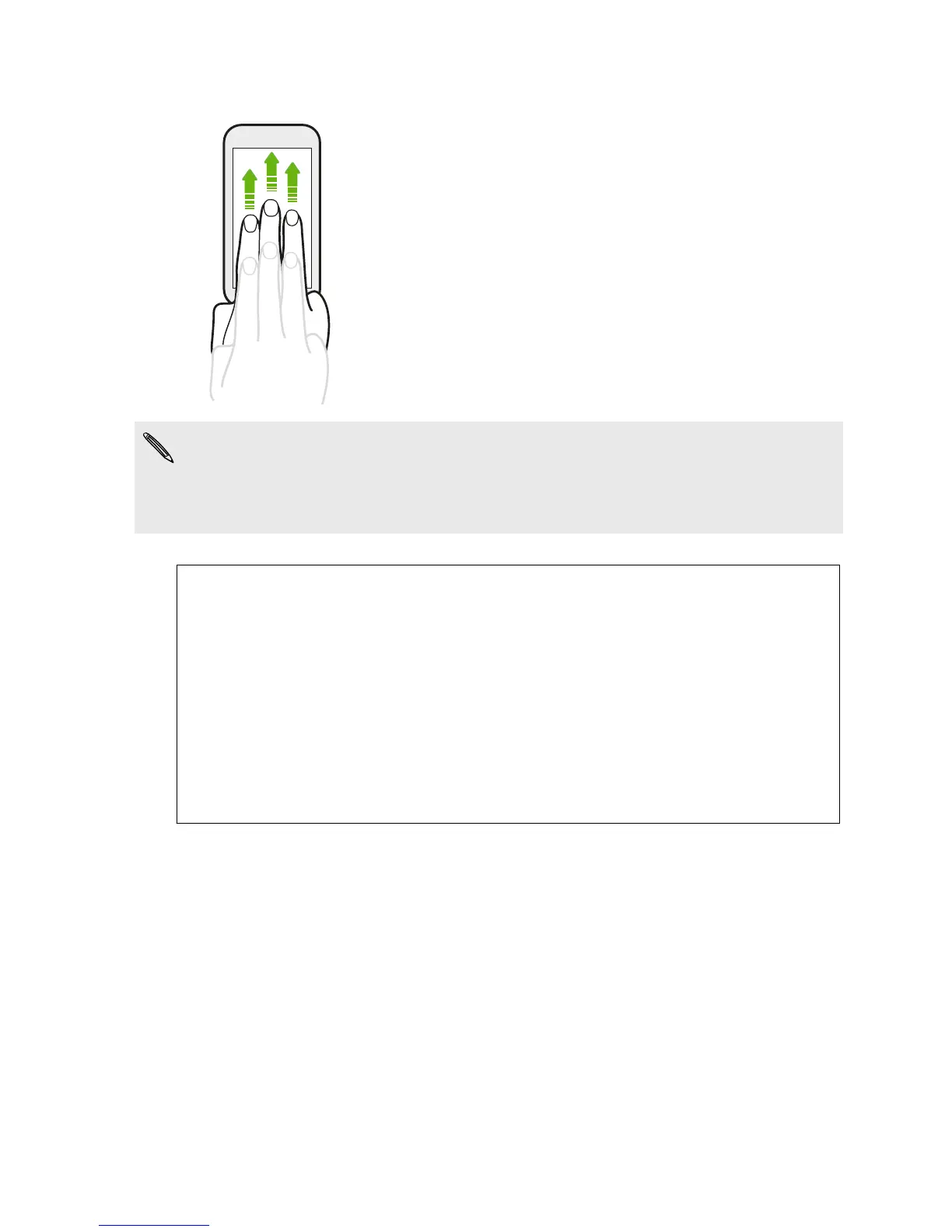
Three-finger gesture
§ Swipe up using three fingers to share content such
as photos, videos, and music from HTC Desire 600
to your TV or speakers.
§ While using the HTC Car app, tap the screen with
three fingers to activate the voice command mode.
§ HTC gestures is enabled by default, which makes the three-finger gesture work
only when sharing content or using HTC apps.
§ You need to hook up the HTC Media Link HD (sold separately) to your HDMI TV to
share content.
Can't use multi-finger gestures in your apps?
That's because HTC gestures is enabled by default. This makes the three-
finger gesture exclusive for sharing content or for use with HTC apps. You
won't be able to use multi-finger gestures (gestures that use three fingers or
more) for other purposes.
To use multi-finger gestures in games or musical instrument apps, clear the
HTC gestures option in Settings > Display, gestures & buttons (or Display &
buttons).
28 Your first week with your new phone



 To Next Page