Wireless display
Sharing on a big screen
Share what you're viewing on HTC Desire 600 onto a big screen TV.
§ If you have a home theater system that's DLNA
®
compliant, you can share your
photos, videos, movies, and music from HTC Desire 600 to your TV through
your home Wi‑Fi network.
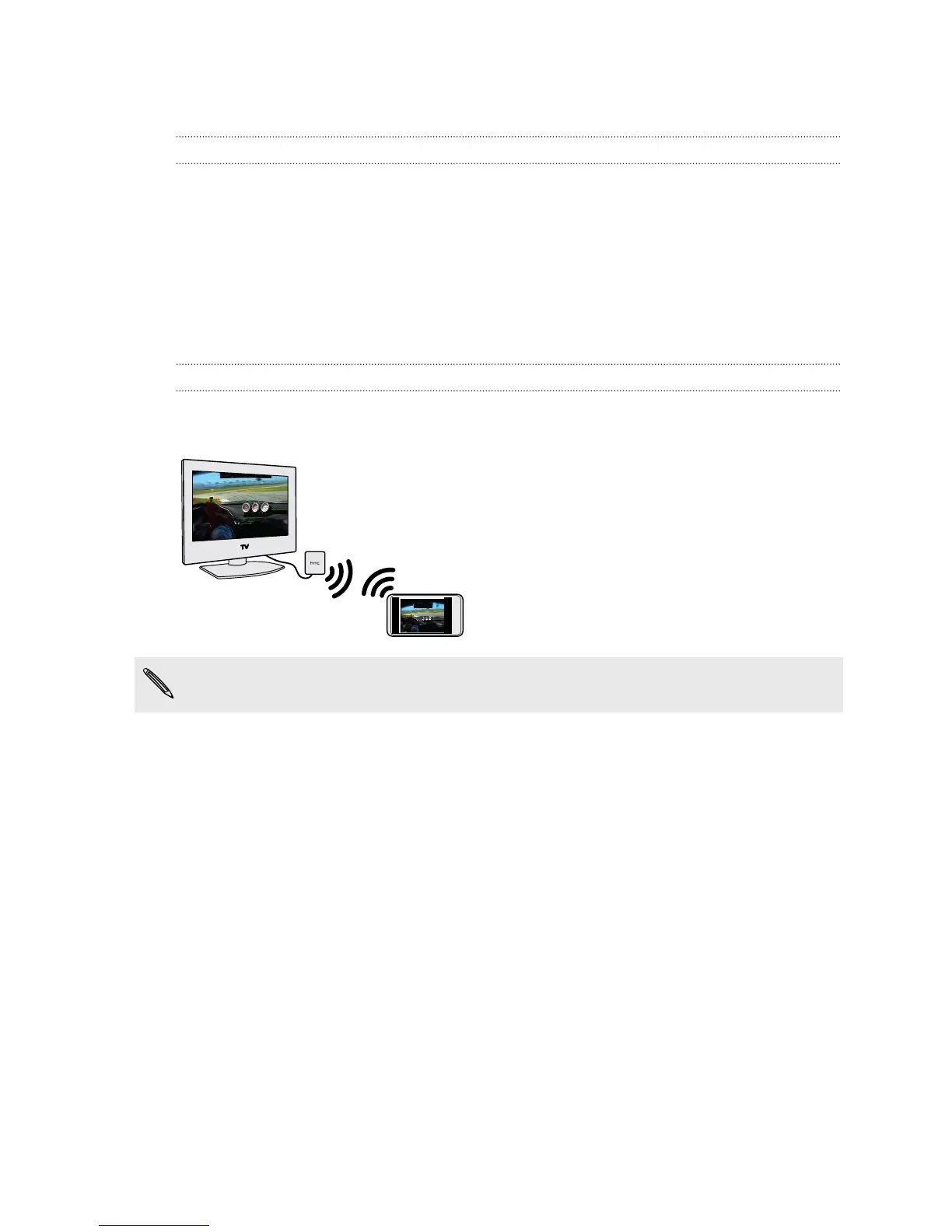
§ Don't have a DLNA setup at home? Don't worry. Just purchase the HTC Media
Link HD and hook it up to your HDMI TV. You can then wirelessly share what
you're viewing or listening on HTC Desire 600 to your TV.
About HTC Media Link HD
You can plug in HTC Media Link HD to any TV with HDMI port, and use it to display
content wirelessly to your TV.
HTC Media Link HD is sold separately.
Easy to set up and use
With just a three-finger swipe, connect HTC Desire 600 to HTC Media Link HD and
share on the big screen.
Multitask with dual-screen display
HTC Media Link HD gives you dual-screen display when you're:
§ Viewing a video in Gallery
§ Playing music in the HTC Music app
While you're playing media on the big screen, you can multitask and do other things
such as take calls, browse the Web, or send email on HTC Desire 600.
Turns your TV into a digital photo frame
Use the TV screen saver feature to store up to 30 photos from HTC Desire 600 on
HTC Media Link HD, and display them as a slideshow on your TV.
To find out more about setting up HTC Media Link HD and using it with
HTC Desire 600, refer to the HTC Media Link HD user guide.
91 Entertainment



 To Next Page