Switching to Read mode
Want to read a Web article without distractions? Read mode removes menus,
banners, and backgrounds from a webpage.
Read mode may not be available on certain webpages.
While viewing a webpage, tap before the URL address. The browser remains in
Read mode even when you browse other pages on the same website.
To turn Read mode off, tap .
Maximizing your browsing space
§ To hide the status bar when browsing, tap > Settings > General, and then
select Fullscreen.
§ While browsing a webpage, tap > Desktop View to display the full desktop
version of the webpage.
Using browser tabs
Open multiple browser tabs and quickly switch from one webpage to another.
Open the Internet app.
§ To add a browser tab, tap > . Repeat the same to open new browser tabs.
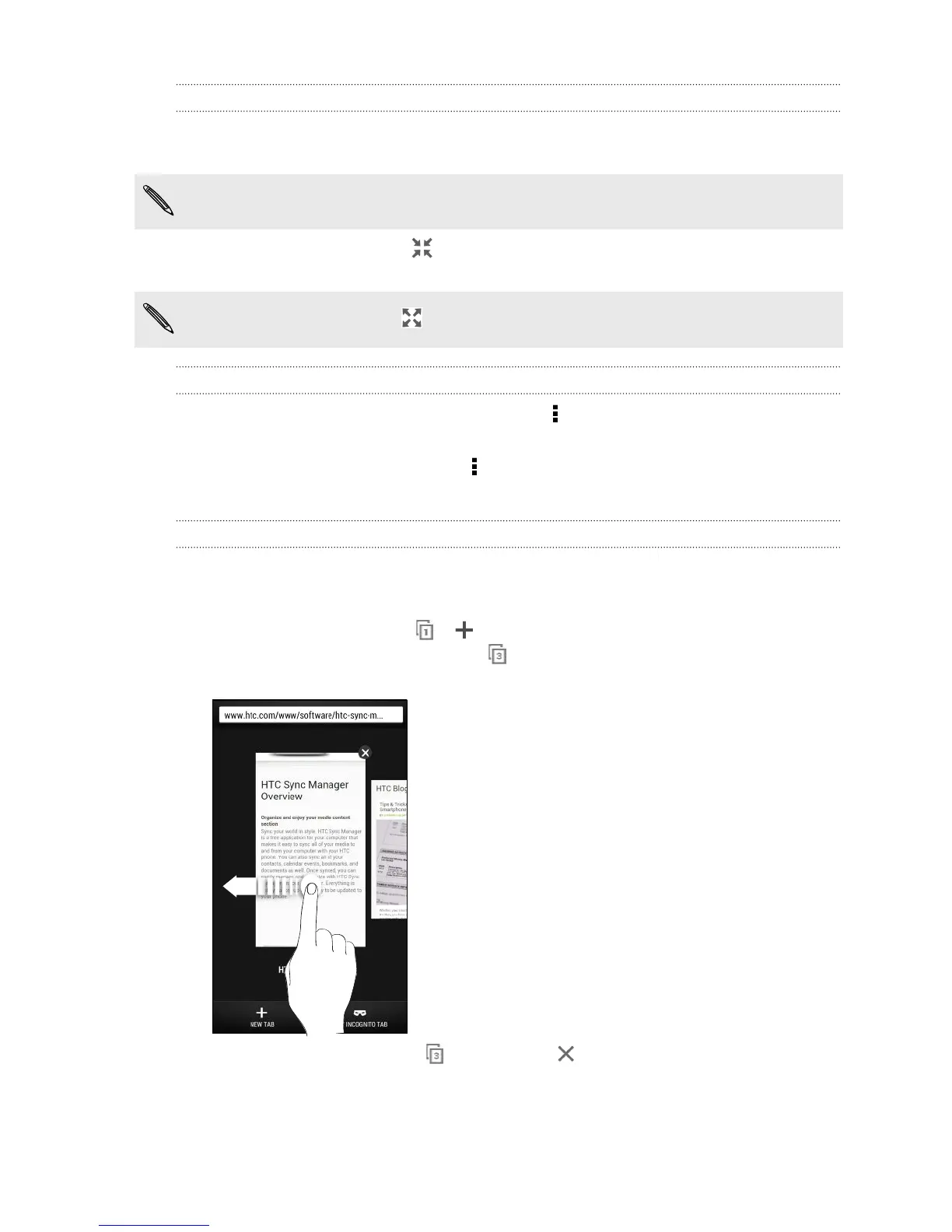
§ To switch among browser tabs, tap and swipe to the webpage you want to
view. Tap the browser tab to display the webpage in full screen.
§ To close a browser tab, tap , and then tap .
83 Search and web browser



 To Next Page