12 HTC Media Link HD
Resetting your HTC Media Link HD
You can reset HTC Media Link HD to erase everything
stored on-device and restore it to its factory default
settings.
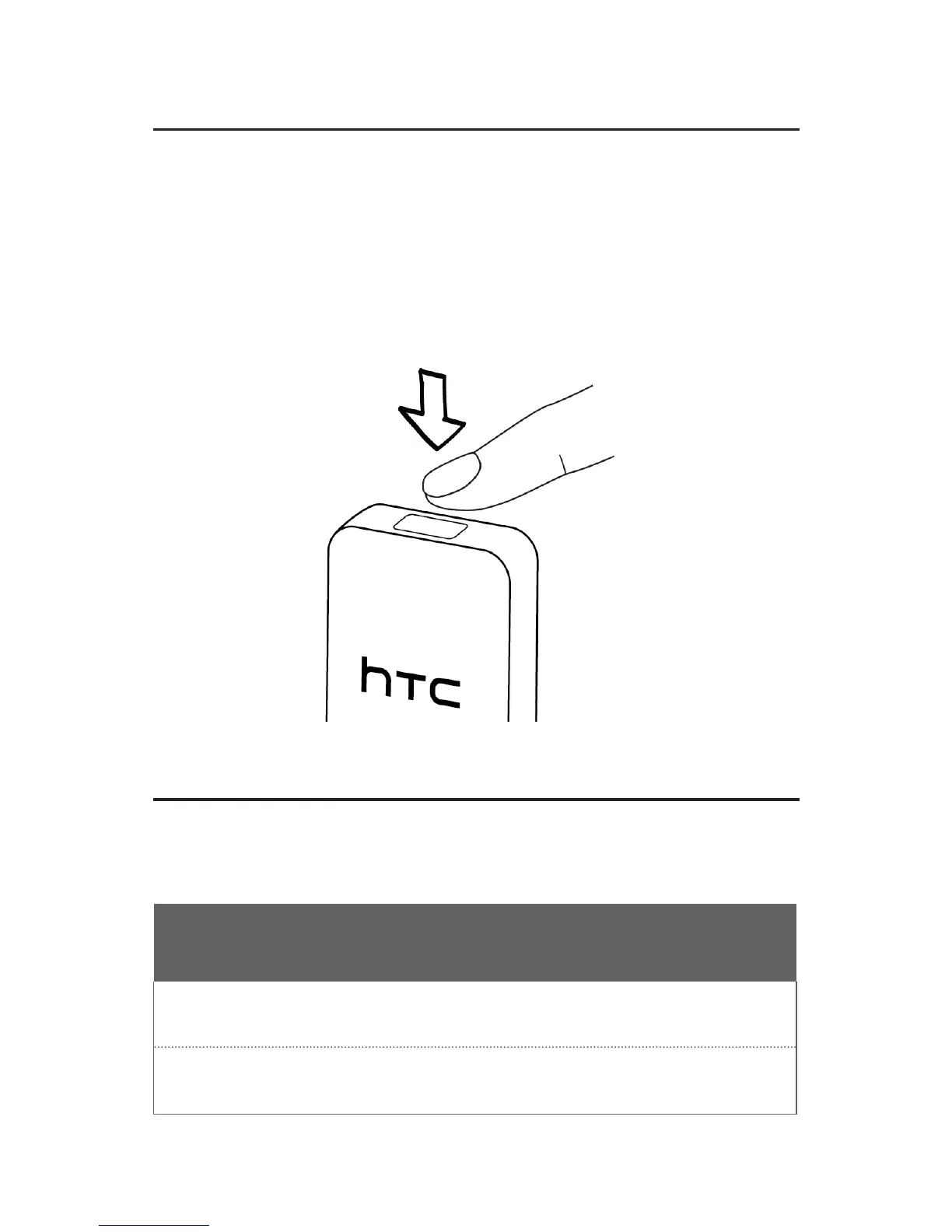
To do a factory reset, press and hold the PBC button on
the top of HTC Media Link HD for about 5 seconds. Once
completed, HTC Media Link HD will restart.
Helpful tips
If you ever have any problems using HTC Media Link HD,
here are some things you can do to set things right.
Still seeing a blank screen after connecting HTC
Media Link HD to your TV?
Check if the HDMI cable is properly connected to the device
and to your TV.
Check if you have selected the correct HDMI input as your
TV’s input setting.


 To Next Page