6 HTC Media Link HD
Pairing with HTC Media Link HD for the first time
HTC Sense 4+ and 5.0
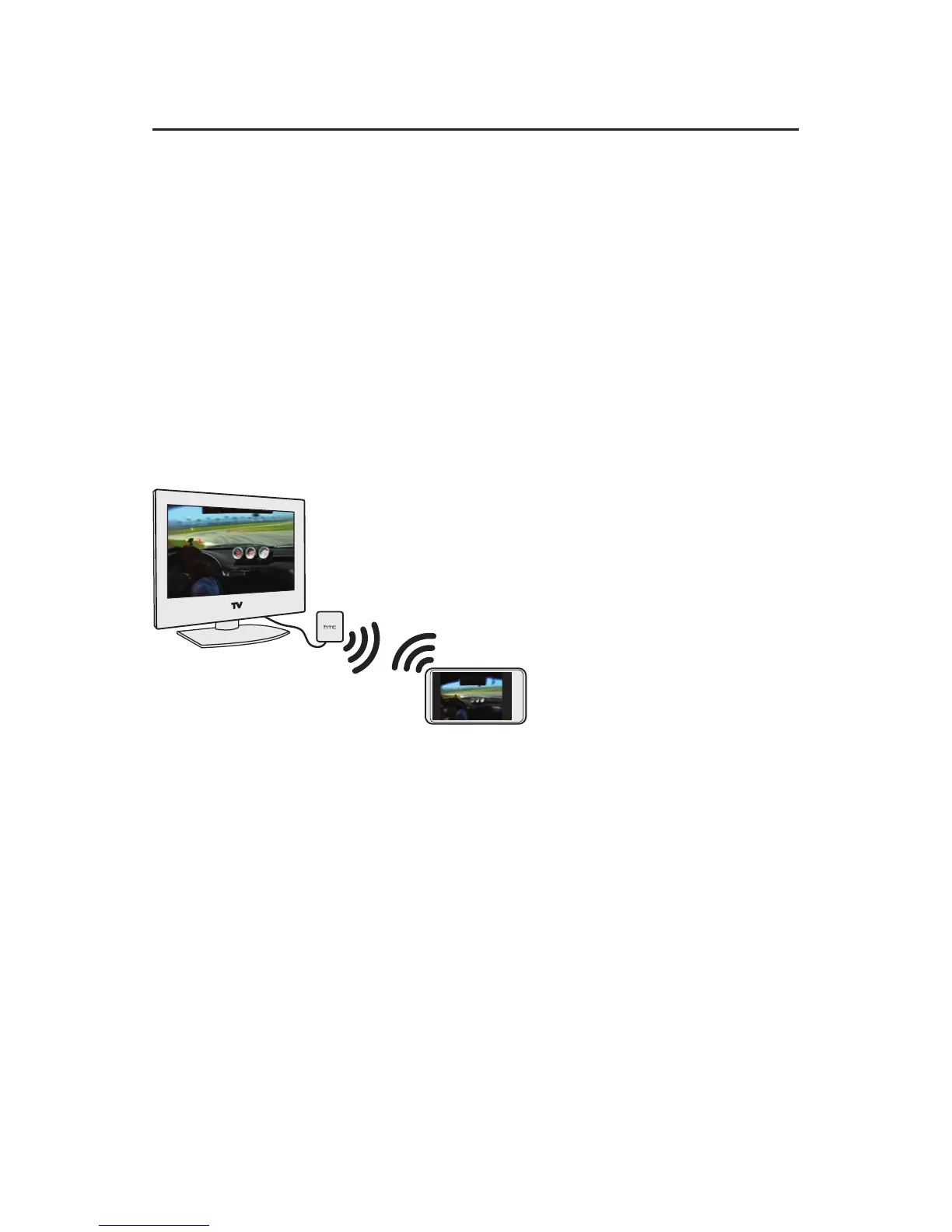
A peer-to-peer connection is used between your phone
and HTC Media Link HD.
1. Swipe up the screen with three fingers.
Note If there is more than one HTC Media Link HD detected,
select the one you want to connect to on the phone
screen.
2. Follow the onscreen instructions to complete the
pairing process.
Note If you want to share or stream content from the Web, your
phone needs to be connected to the Internet.
HTC Sense 4.0 and 4.1
1. On your phone, turn Wi-Fi on and connect to your
home network. To find out how, see your phone’s user
guide.
2. Swipe up the screen with three fingers.
Note If there is more than one HTC Media Link HD detected,
select the one you want to connect to on the phone
screen.
3. Follow the onscreen instructions to complete the
pairing process.


 To Next Page