Beaming content
Make sure that both devices are unlocked and have NFC turned on. If the other device has an
Android Beam
™
option, make sure it is also turned on.
1. While viewing the content that you want to share, hold HTC U Play and the other phone back
to back.
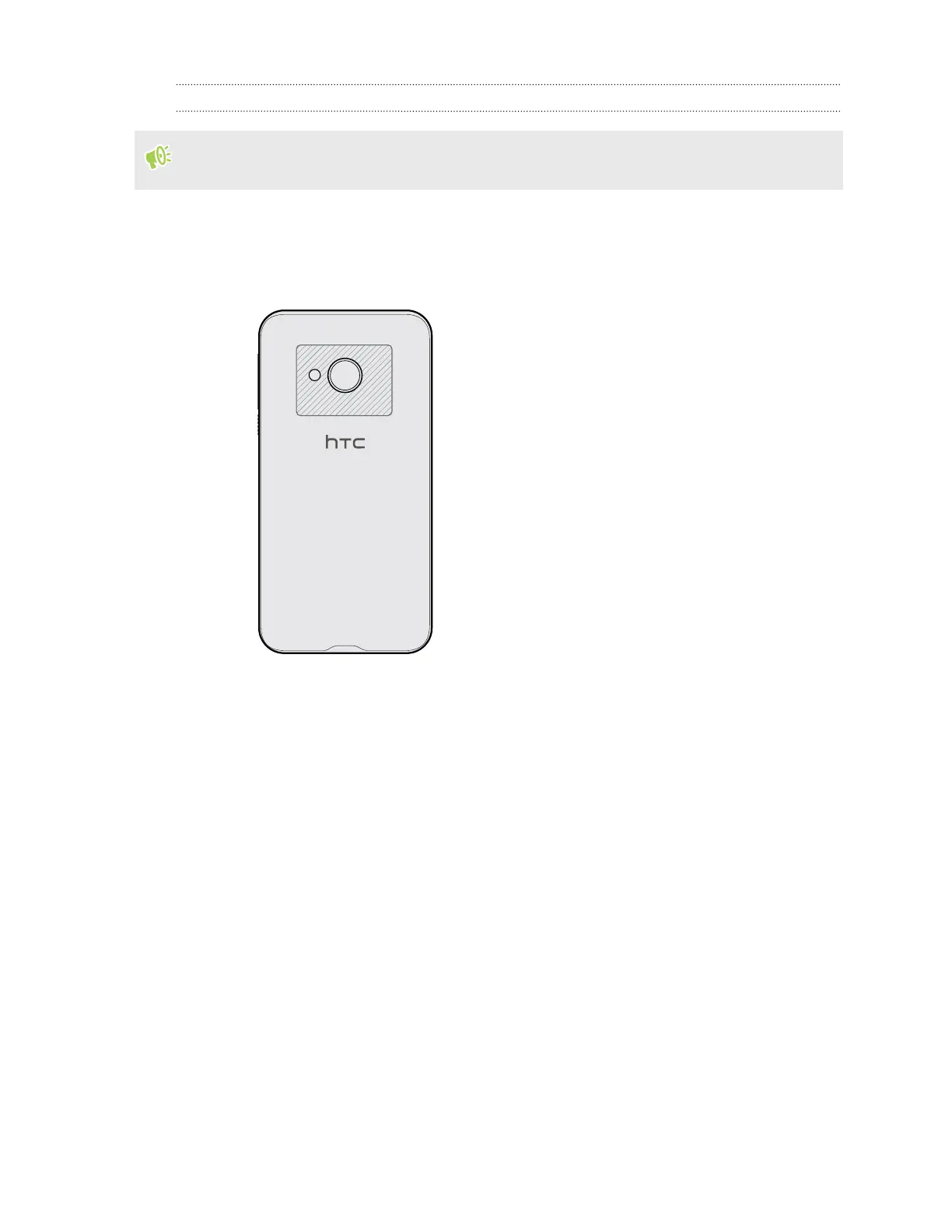
Make sure that the NFC area (shaded part) of HTC U Play and the other phone's NFC area
are close to one another. Experiment by slightly moving the phones until a connection is
made.
2. When HTC U Play vibrates, tap the screen to send the content to the other device.
The shared content appears on the other screen. For some items that you've shared (such as contact
information), additional instructions on how to save the item will appear on the receiving device.
156 Wireless sharing



 To Next Page