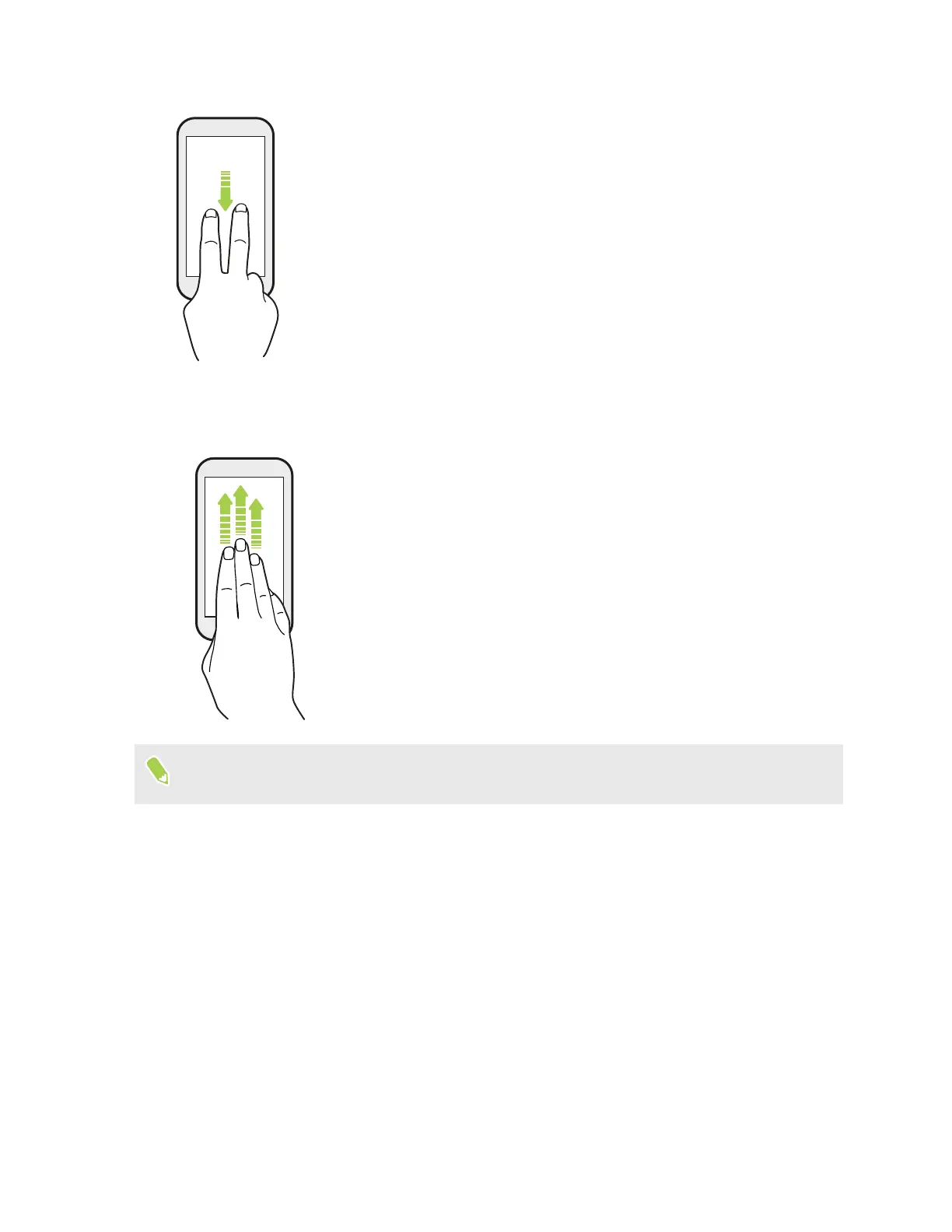
Two-finger swipe
Swipe down from the status bar using two fingers to access Quick Settings.
Three-finger swipe
§ Swipe up the screen with three fingers and HTC Connect
™
streams
music or video from HTC U Play to your speakers or TV respectively.
You can also share streaming media from apps such as YouTube
®
.
§ Swipe down to disconnect from your speakers or TV.
Media gesture is turned on in Settings by default, which makes the three-finger gesture work for
sharing media.
35 Your first week with your new phone



 To Next Page