9
3. Encrypt Configuration Files
Htek Configuration Generator allows user to encrypt the generated configuration file with
AES 128-bit encryption. It allows user to choose not to encrypt the configuration file in
Windows version, but it is recommended to use encryption for security reason.
3.1 How to encrypt the XML configuration file
The XML configuration file could be encrypted in AES-128-CBC algorithm. The encryption
password is defined in P8631 (Management->Auto Provision->Set Common AES Key) of
the configuration file.
The Password length is from 1-16, and password must be [ 0-9, A-F]
THE SHARED IV: 0B1E1D000F0B07091D1F04071F1E0407
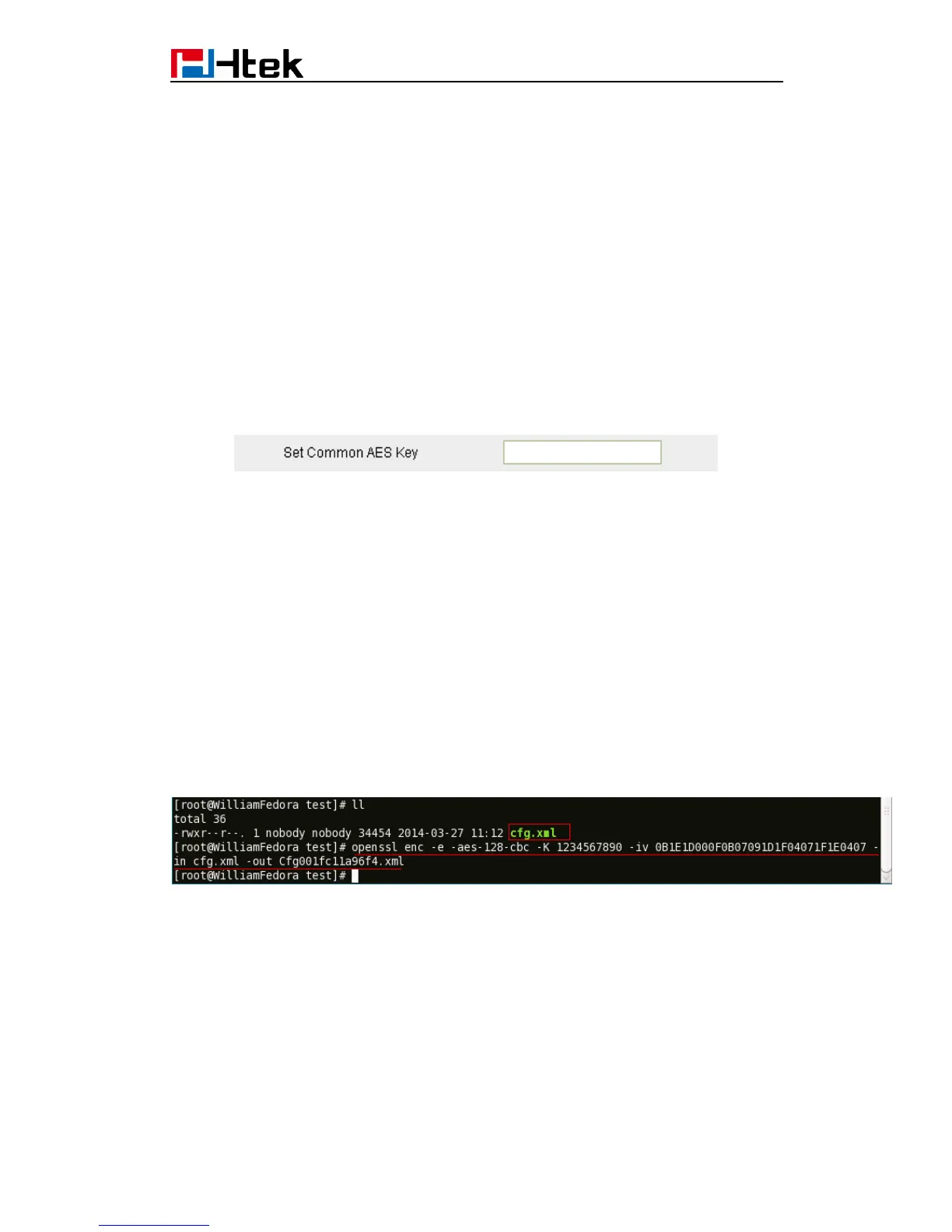
The OpenSSL command-line to encrypt the file is as follows:
Openssl enc –e –aes-128-cbc –K <password>-iv
0B1E1D000F0B07091D1F04071F1E0407 –in cfg.xml –out cfgxxxxxxxxxxxx.xml
When the XML configuration file is encrypted in this method, Phone would only be able to
decrypt and parse the file if user set the XML Config File Password in P8631 of binary
configuration file or in the web UI.
Detailed steps:
Step 1: Login webpage, click ManagementConfiguration, download cfg.xml file, then run,
input” Openssl enc –e –aes-128-cbc –K<password>-iv
0B1E1D000F0B07091D1F04071F1E0407 –in cfg.xml –out Cfgxxxxxxxxxxxx.xml”
(xxxxxxxxxxxx is the MAC address)
THE SHARED IV: 0B1E1D000F0B07091D1F04071F1E0407
Step 2: Put the Cfgxxxxxxxxxxxx.xml under upgrade server path
Step 3: You must set the AES Key: ManagementAuto Provision: AES Key:


 To Next Page
 Loading...





