36
17. How to Edit cfg000x.xml
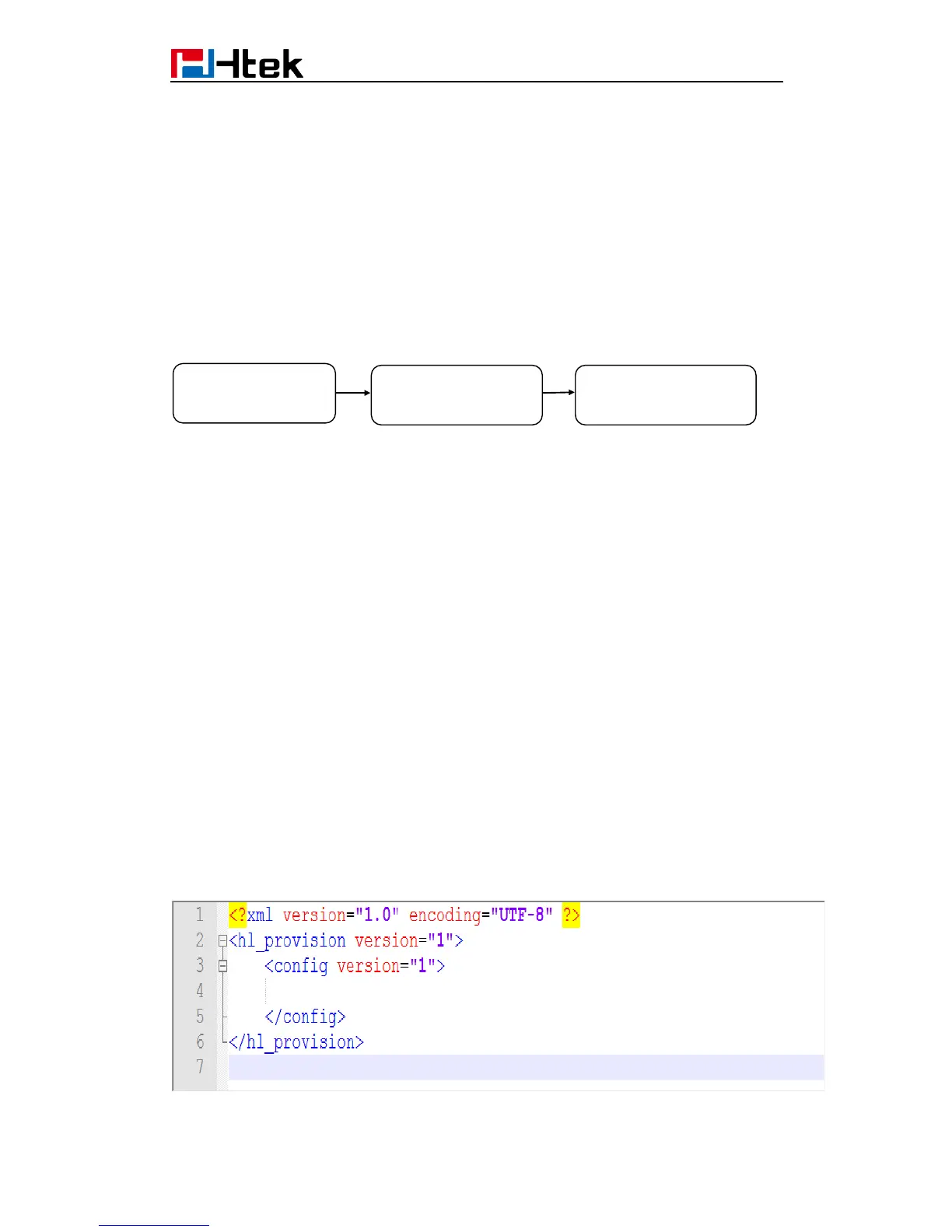
When Htek device boots up or reboots, it will generate a request for a XML configuration
file named “cfg000x.xml”. It is a common configuration, all Htek device can get this
configuration file. Then Htek device will request for a binary format configuration file
named ”cfgMAC” and another XML configuration file named “cfgMAC.xml”, in which
“MAC” is the MAC address of the device. Configuration files cfgMAC and cfgMAC.xml can
only be obtained from Htek device which has mac address.
You can customize configuration parameters by editing XML configuration file
“cfg000x.xml”, and different device would use different file name.
Device Type file name
UC601 ------> cfg0111
UC901 ------> cfg0018
UC902 ------> cfg0017
UC903 ------> cfg0016
UC912/UC912G ------> cfg0019
UC912GM ------> cfg0019
UC923 ------> cfg0013
UC924 ------> cfg0012
UC924E ------> cfg0112
UC926 ------> cfg0010
UC926E ------> cfg0110
For example, if you have a Htek device UC924 and you want to configure its Line key 1 as
BLF to monitor extension 1002, you can realize this by following two methods.
1.Create a new XML file and add configuration parameters.
Step 1: Create a new XML file entitle it as cfg0000.xml. If your Htek device is UC924, you
should entitle it as cfg0012.xml
Step 2: Login webpage, find out Web Setting Path of line key1. Function Keys-Line


 To Next Page
 Loading...





