42
Step 2. Edit Cfg File
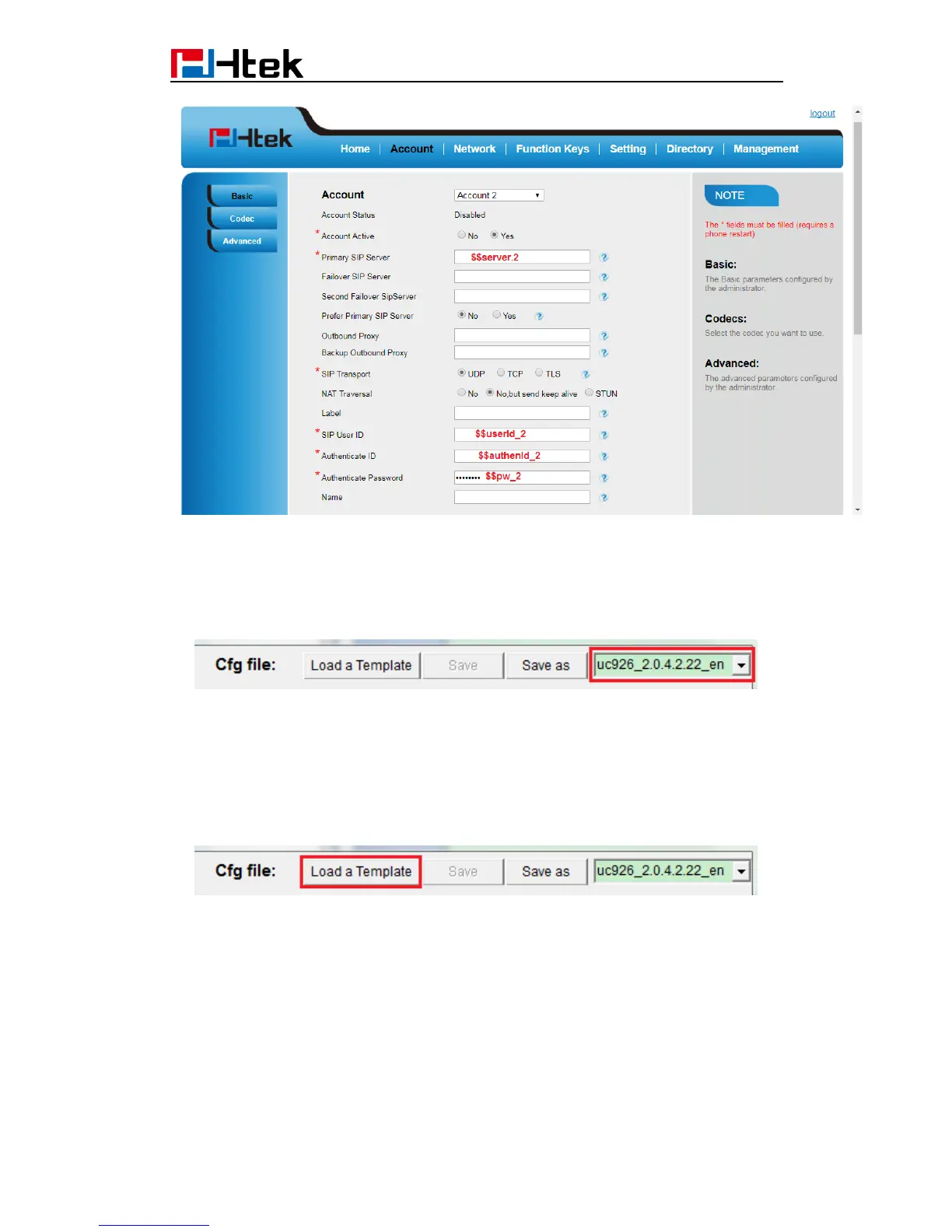
1. Select Device: Click the drop-down box to select the device for visual editing. ( If there
isn't your device or version in the drop-down box, you can choose a similar device or
choose UC926. However, if so, the following edits may present a risk of conflict. )
2. Load the configuration file template: By default, the software automatically selects
the default cfg file of the current device (Default cfg file of a device is in the device
directory, named as “$devCfg.bin”).
You can also click "Load a Template" button to load a bin format cfg file as template. After
loading, loaded cfg file will automatically rewrite the information in the Phone
Configuration page.
3. Switch to "Phone Configuration" page.
This page is divided to 3 areas. Left area shows the phone image, keys that can be set
can be clicked. Middle area is the outline of all the configurable items. Right area shows
details where you edit the exact configuration here.



 To Next Page