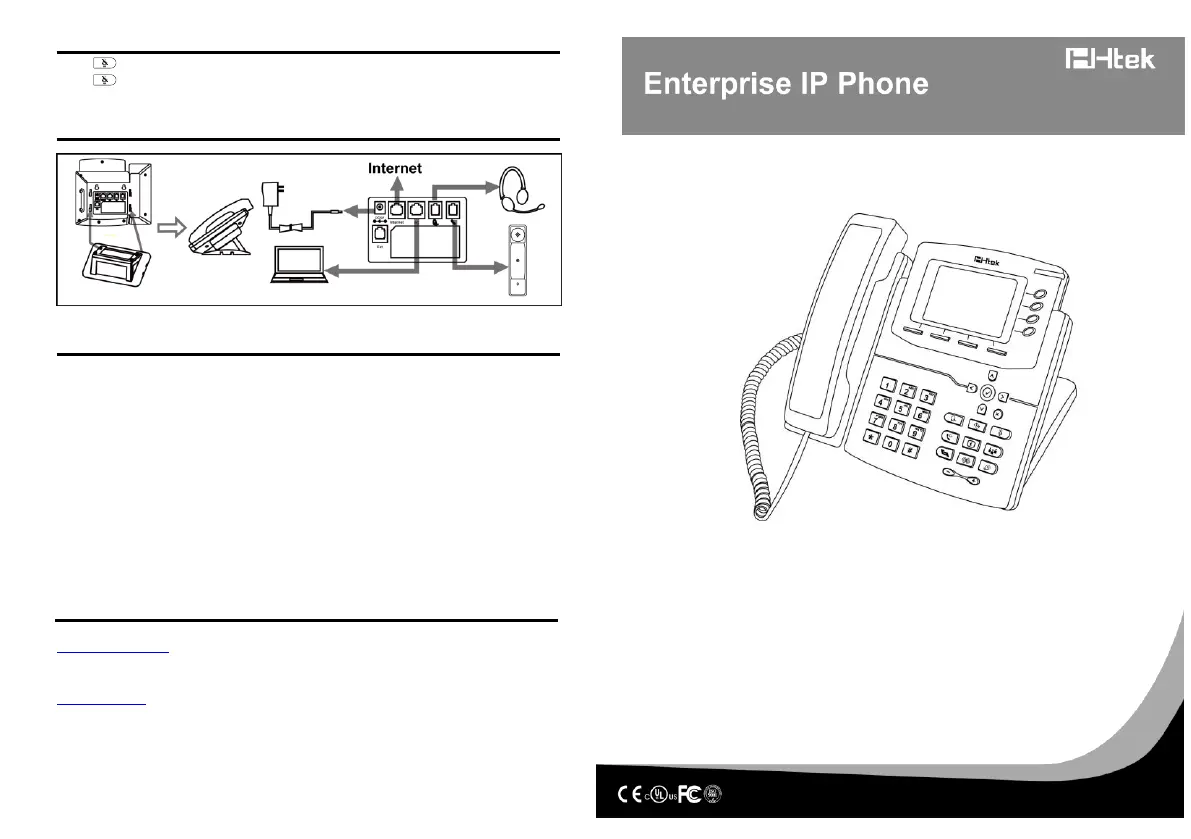
Call Mute
Press to mute the microphone during the call
Press again to un-mute the conversation.
Instruction
Configuration
1. Configuration via Phone
a. Press Menu→Setting→Advanced Settings (Default password: admin)
b. Select Network: To configure the Wan Port (DHCP/Static/PPPoE), PC Port…
c. Select Accounts: To configure enable the account; fill the SIP SERVER, Outbound Proxy,
ID…
d. Save the configuration
2. Configuration via Web
a. Get the IP address from the phone: Press Menu→ Status.
b. Login: input the IP address in the web browser. The PC and phone should be in the
same segment) / Login name: admin password: admin (default)
c. Configure: select network/Account…to fill the relevant content.
d. Save the configuration, or if want to reboot, click the reboot button.
Support Contact
Nanjing Hanlong Technology Co., Ltd.
support@htek.com
Tel: 0086-25-84658050
Fax: 0086-25-84658319
www.htek.com
5th Floor, 1st Building Huashen Tech Park10 Huashen TempleYuhuatai Dis.
Nanjing 210012China
© Nanjing Hanlong Technology Co., Ltd. 2005-2018 All rights reserved.
Quick Reference
For
UC842, UC840P, UC804P, UC804



 To Previous Page