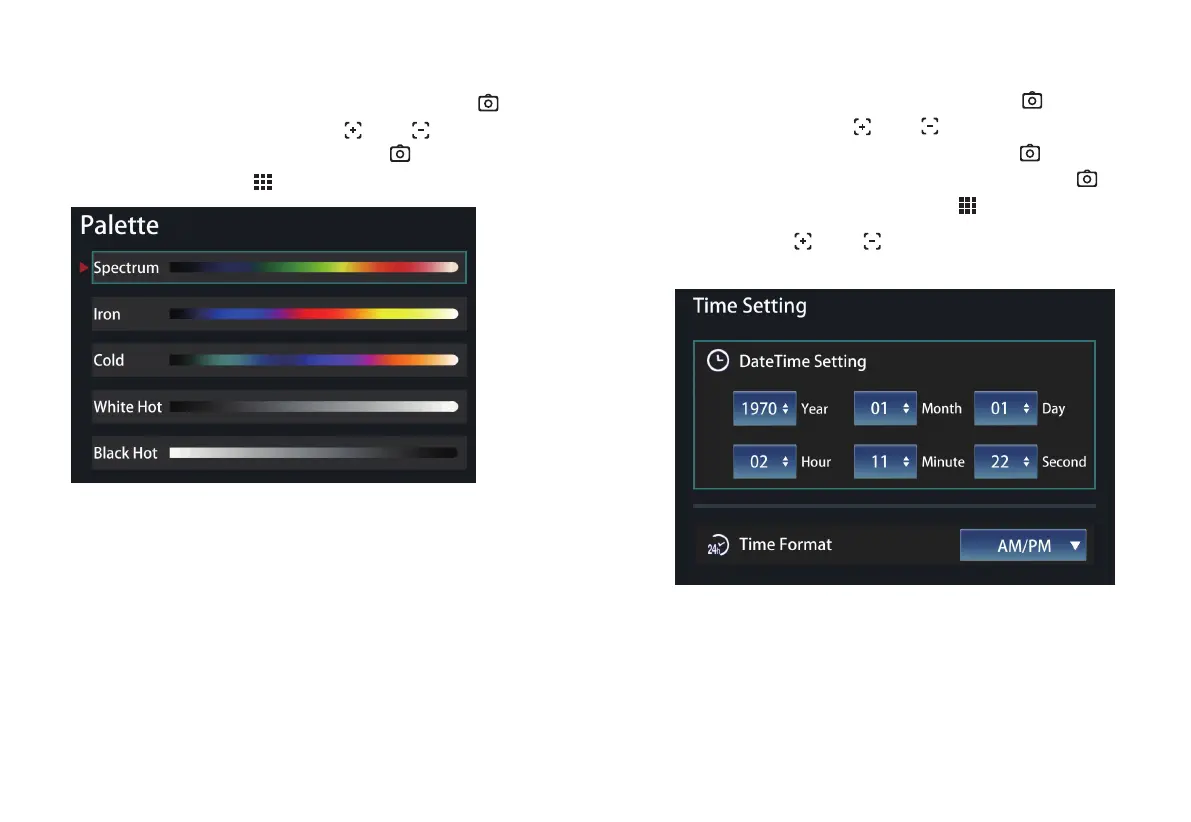
Go to the menu, select the color palette icon, press the “ ” to
go to the color palette list, press the “ ” or “ ” button to
select the color palette, and then press the “ ” to choose the
color palette. Press the “ ” button to return.
Go to the menu, select the time icon, press the “ ” to go to
time setting, press the “ ” or “ ” button to select time
setting or time format. Choose it and press the “ ” button to
go to the setting. After the setting is finished, press the “ ”
button for confirmation, and press the “ ” button to return.
Among them, “ ” or “ ” plays a role as increasing/
decreasing values, and functioning as moving up/down in the list.
1514
3. Time Menu
2.2 Color Palette Application



 To Next Page