AISU
Issue 02 (2017-06-12)
Huawei Proprietary and Confidential
Copyright © Huawei Technologies Co., Ltd.
30
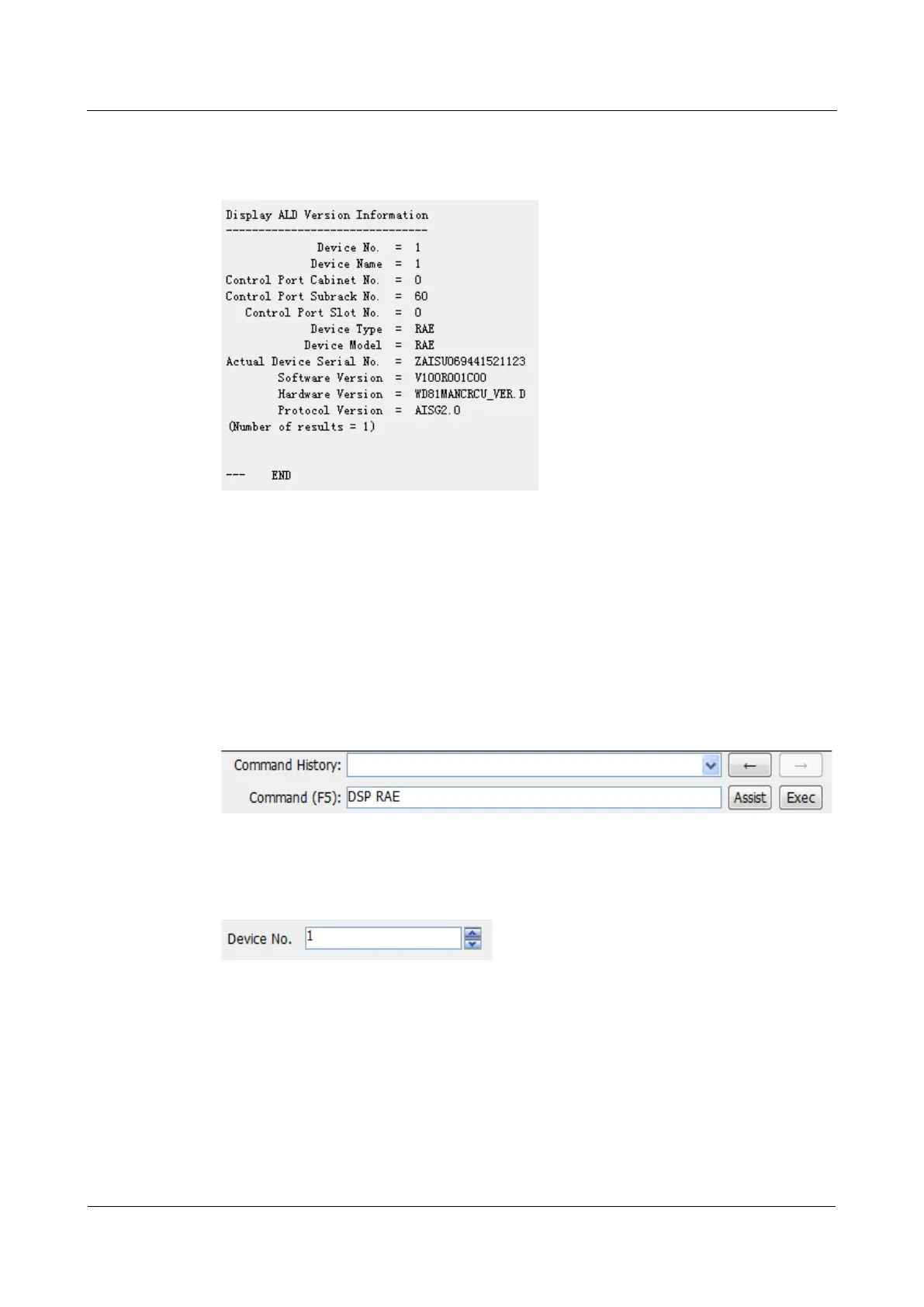
If Operation succeeded is displayed in the command export area, the AISU version
information is queried successfully. If the AISU configurations fail to be queried, identify
causes and query the AISU version information again.
----End
Displaying the AISU Dynamic Information
You can run the DSP RAE command to display the AISU dynamic information.
Procedure
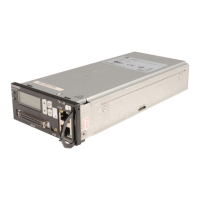
Step 1 In the parameter input area, enter DSP RAE in Command (F5), and then click Assist or
press Enter.
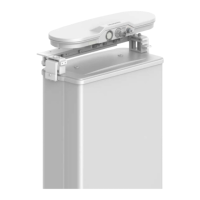
Step 2 In the parameter input area, specify related parameters.
The parameter values in the following figure are for reference only.
Step 3 Press F9 or click Exec.
If Operation succeeded is displayed in the command export area, the AISU dynamic
information is queried successfully. If the AISU dynamic information fails to be queried,
identify causes and query the AISU dynamic information again.


 To Next Page