Need help?
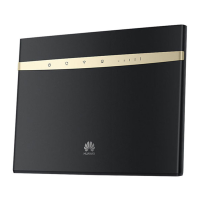
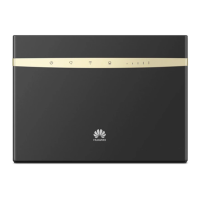
Do you have a question about the Huawei B525 and is the answer not in the manual?
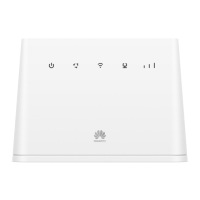
Details on the function of various LED indicators, ports, and buttons on the router.
Steps to insert the micro-SIM card and connect the power adapter.
Explanation of indicator lights when the router connects to a mobile network.
Important warning regarding SIM card insertion and removal during operation.
How to connect devices using the router's default Wi-Fi name and password.
Enabling/disabling Wi-Fi and changing network name/password for security.
Guide to accessing the router's web-based management interface.
Recommendation to change the default login password for the management page.
Connect computers and landline phones to the router for various services.
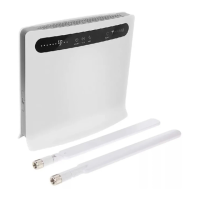
Instructions for installing external antennas to enhance signal reception.
Using an Ethernet cable to connect the router to the internet.
Guide to downloading and using the Huawei HiLink app for router management.
Steps for resolving common problems by restarting or contacting support.
Procedure to reset the router to its original factory settings.
How to establish a Wi-Fi connection using the WPS feature.
Resolving Web UI content, indicator lights, and access problems.
 General
| Brand | Huawei |
|---|---|
| Model | B525 |
| Category | Wireless Router |
| Language | English |

 To Next Page