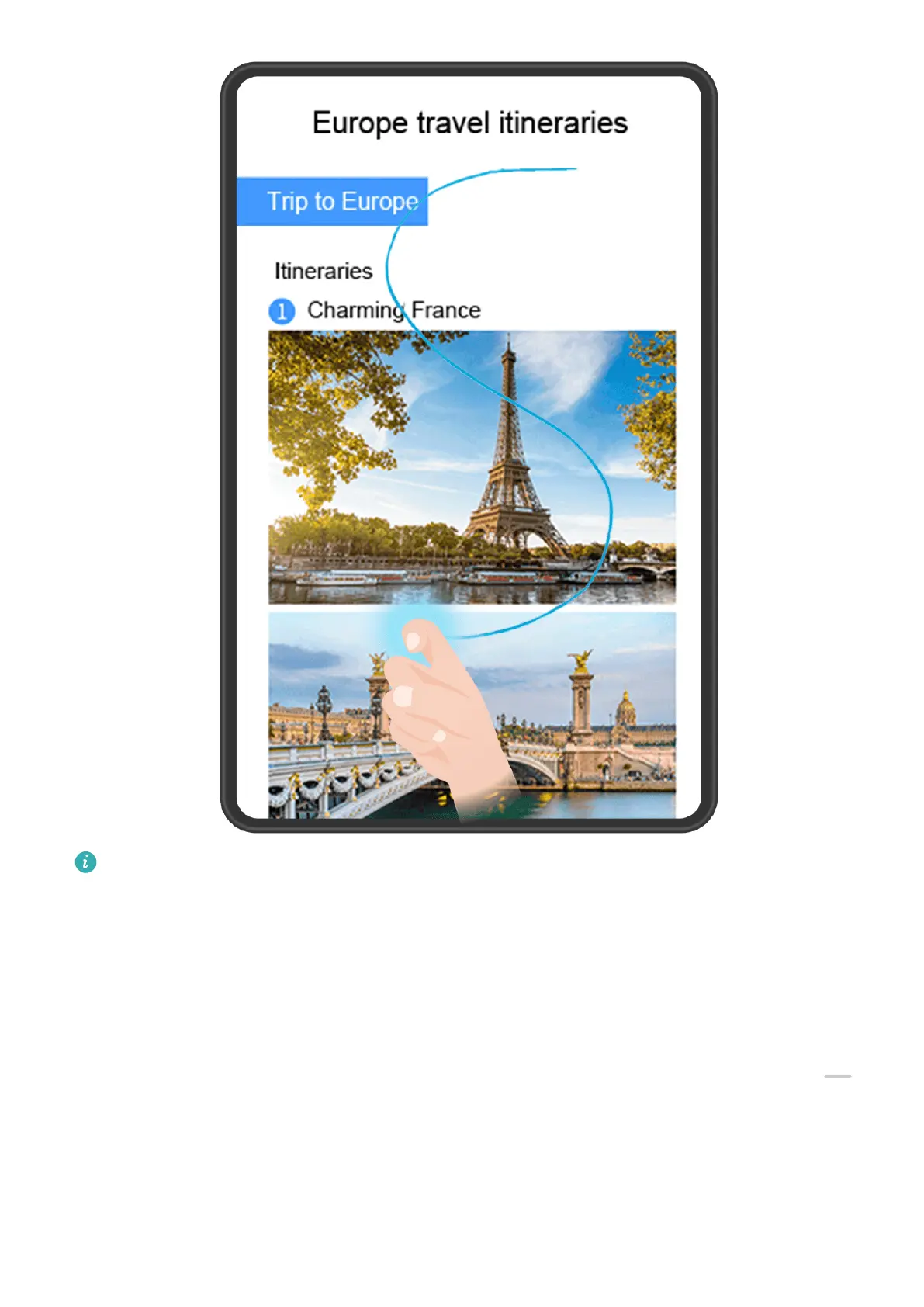
The gures are for reference only.
1 Tap a single knuckle against the screen and hold to draw an "S". Your device will
automatically scroll to the bottom of the page to capture all of the content in a single
screenshot.
2 You can touch the screen at any time to stop the scrolling.
Use a Shortcut to Take a Scrolling Screenshot
1 Swipe down from the upper right edge of the screen to display Control Panel, touch
to expand the shortcut switch panel (depending on your device model), touch the triangle
icon next to Screenshot, and then touch Scrollshot in the pop-up. Your device will
automatically scroll to the bottom of the screen to capture all of the content within a
single screenshot.
2 You can touch the screen at any time to stop the scrolling.
Essentials
26







 To Next Page