Switch to Another Input Language
Touch and hold in the lower left corner and select English(United States) or More
languages… in the pop-up menu. Alternatively, touch to quickly switch input language.
Celia Keyboard Settings
Set the skin
On the input keyboard, go to > Theme and select a skin.
Set the font
On the input keyboard, go to > Settings > Fonts and select a font.
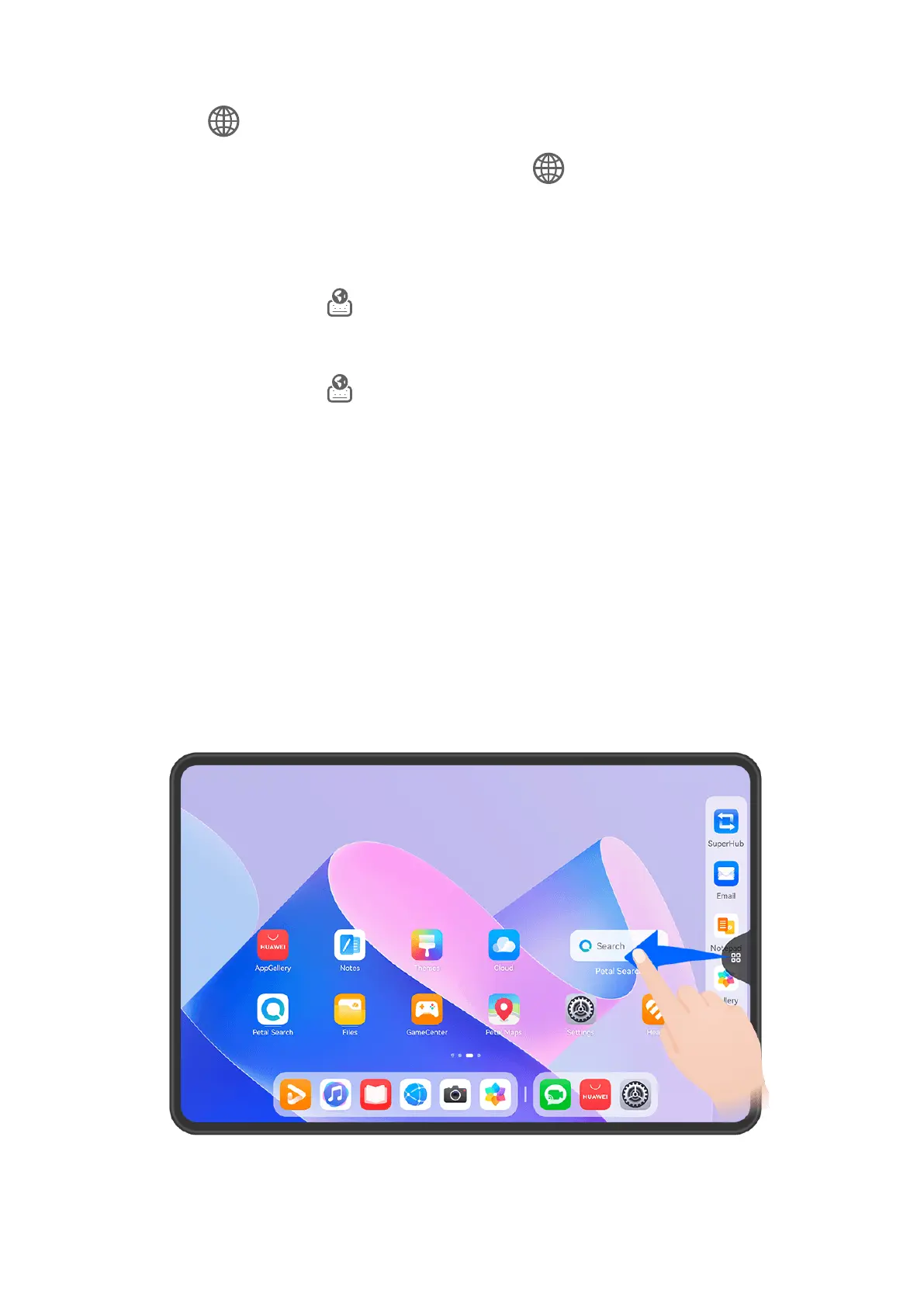
Multi-Window
Edit the Multi-Window Dock
Edit apps in the Multi-Window dock, by adding or removing them, or rearranging their order,
to customize the dock to your heart's content!
Essentials
31










 To Next Page