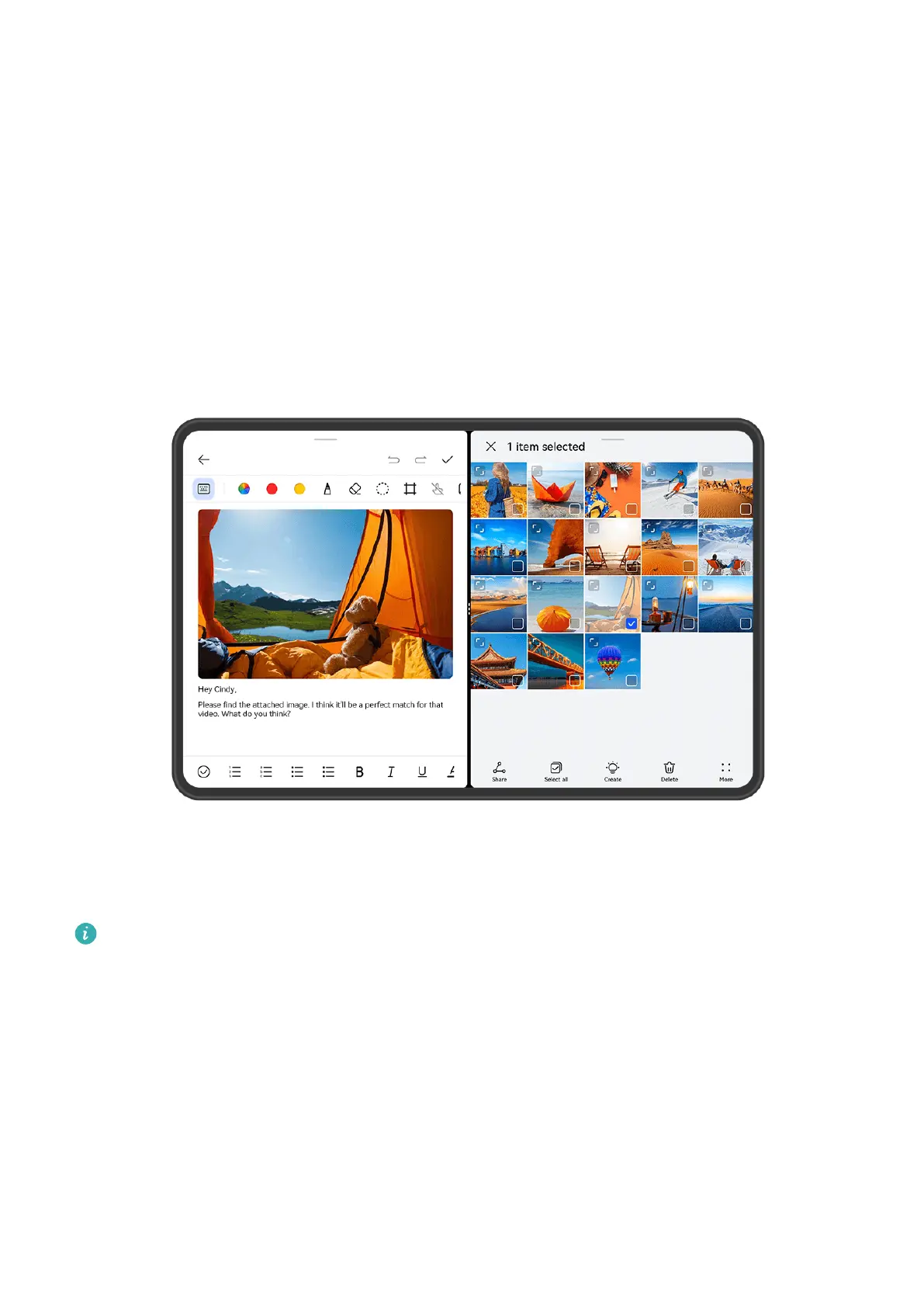
2 Touch a link or attachment in the Email app to open it in the oating window.
• Open a link: Touch a link in the Email app to display it in a oating window.
• Open an attachment: Touch an attachment (such as a document, image, or video) in
the Email app to display it in a
oating window.
Split the Screen, to Multi-Task Away
Open apps in split-screen mode, for seamless multi-tasking at all times.
• The gures are for reference only.
• Split-screen mode is only supported in certain apps.
Split the Screen
1 After opening an app from the home screen, swipe inward from the left or right edge of
your tablet and hold, to bring up the Multi-Window dock.
2 Hold down on an app in the dock, drag it on to the screen, and release.
Common Operations in Split-Screen Mode
When in split-screen mode, feel free to:
Essentials
35







 To Next Page