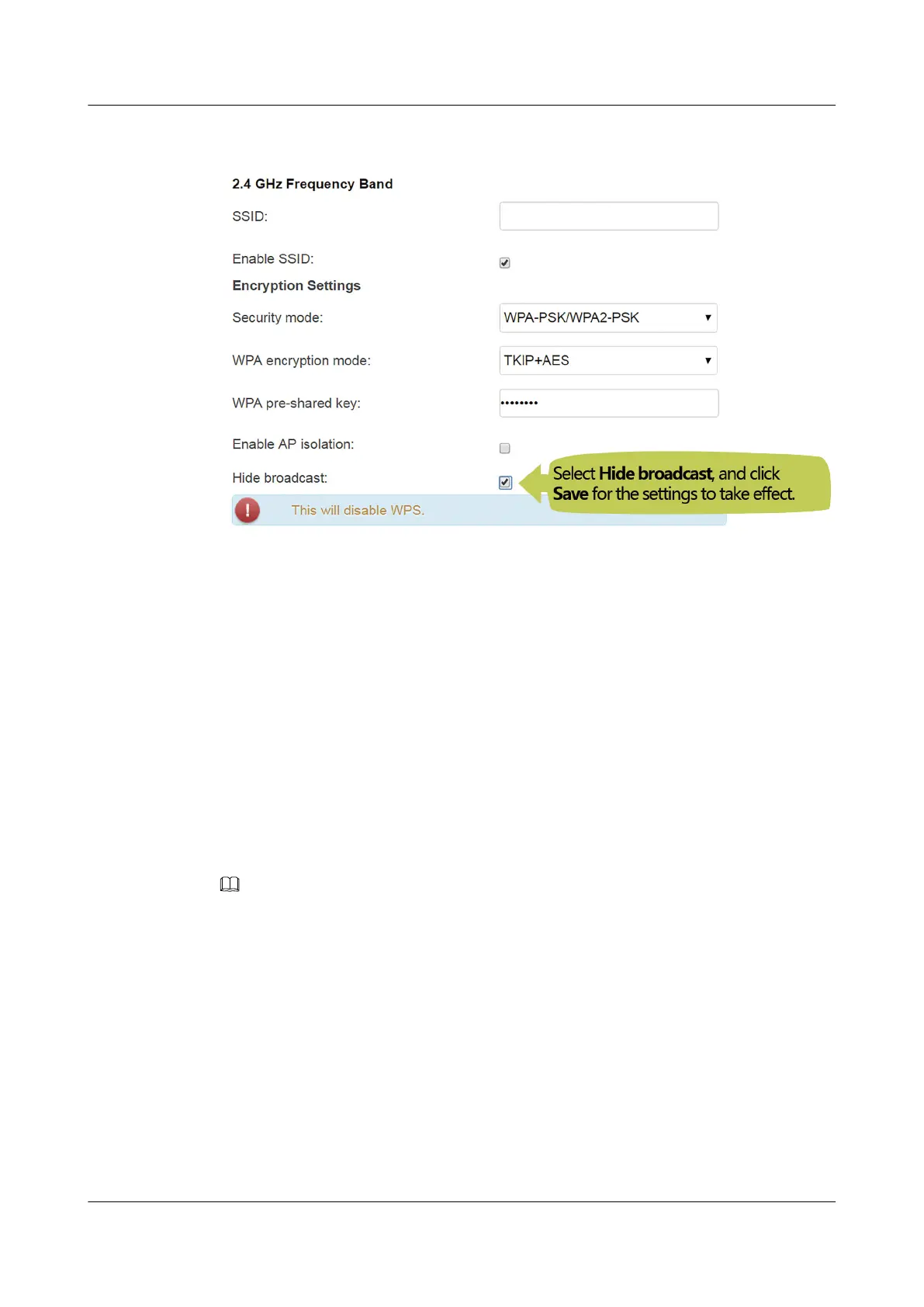
2. Choose Home Network > WLAN Settings > WLAN Encryption.
What can I do if the network speed is slow?
1. Check whether network cables are properly connected. Remove and then insert the
network cables. Then, check whether the network speed is normal.
2. Check whether downloading, network video watching, or other operations occupy a
large amount of bandwidth. Due to bandwidth restrictions, if some network applications
occupy a large amount of network bandwidth, the network speed is slow.
3. Use another PC, mobile phone, or pad to check whether the network speed is affected by
the poor performance of the mobile phone.
How do I restore the DG8045 to factory setting?
Press and hold the Reset button for more than 6s to restore the DG8045 to factory settings.
Exercise caution when performing this operation. Otherwise, the device may fail to access the
Internet. If so, contact your service provider.
NOTE
The preceding web page is only for reference. The actual web page of the product prevails.
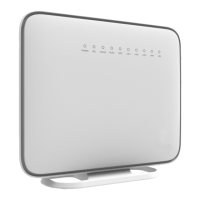
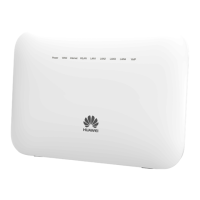
DG8045
Quick Start
5 FAQs
Issue 01 (2019-08-30) Copyright © Huawei Technologies Co., Ltd. 13



 To Previous Page