8
Installation/Removal Guide
On different operating systems (OSs), the installation and removal procedures
may differ. Follow the system prompts during operation.
Connecting the E160G with a Computer
Note: First, power on the computer. Then connect the E160G with the
computer. Otherwise, the E160G cannot be installed as normal.
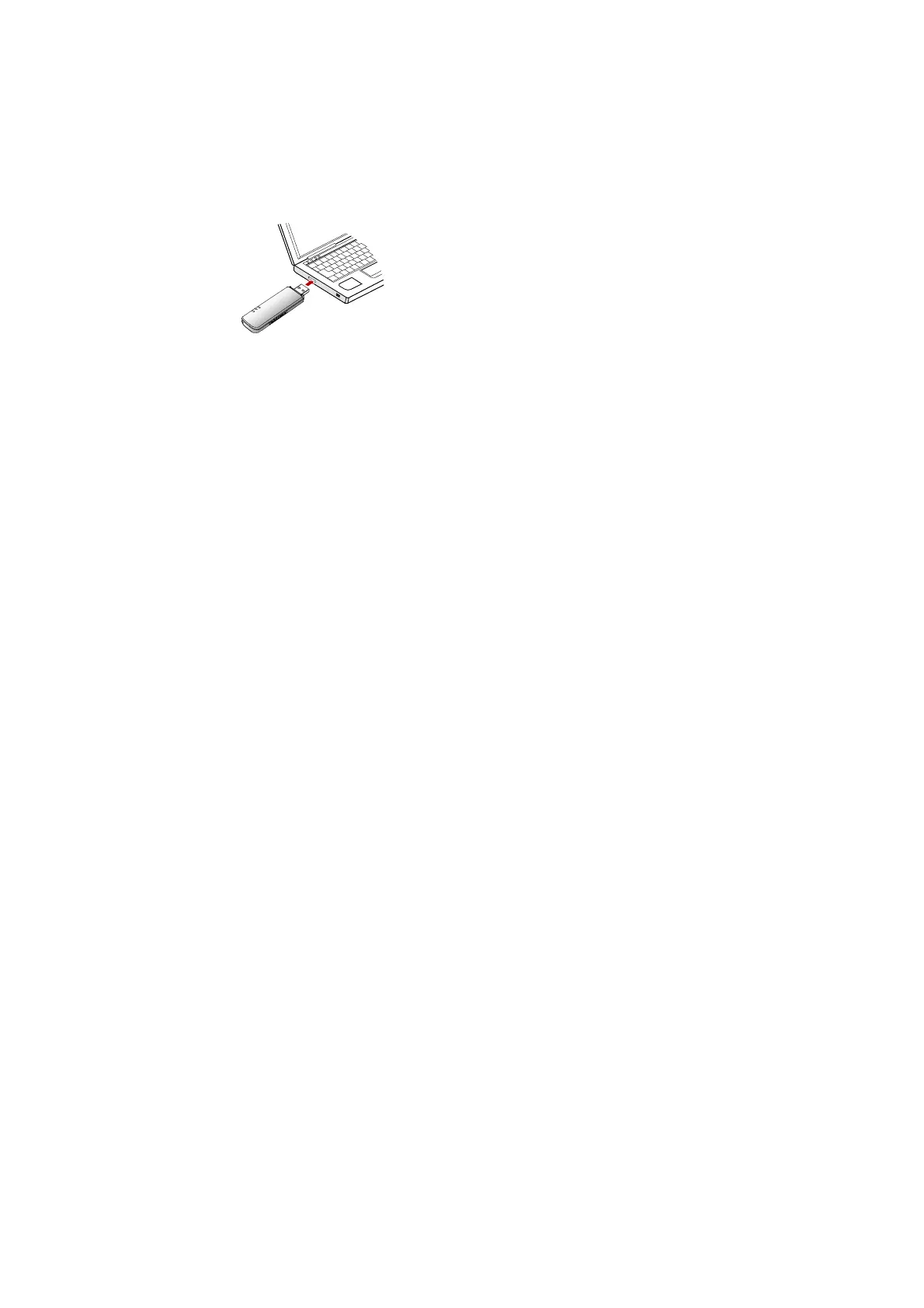
Plug the E160G into the USB interface of the laptop or desktop computer.
You can connect the E160G to a laptop or desktop computer using the USB
cable for better signals.



 To Next Page