6
Preparation
Requirements for the Computer
To use the E160G, the computer should meet the following requirements:
USB Type A Receptacle, Compatible with USB 2. 0 High Speed.
Windows 2000 SP4, Windows XP SP2, Windows Vista.
Your computer’s hardware system should meet or exceed the recommended
system requirements for the installed version of OS.
Resolution for the display: 800 × 600 or above.
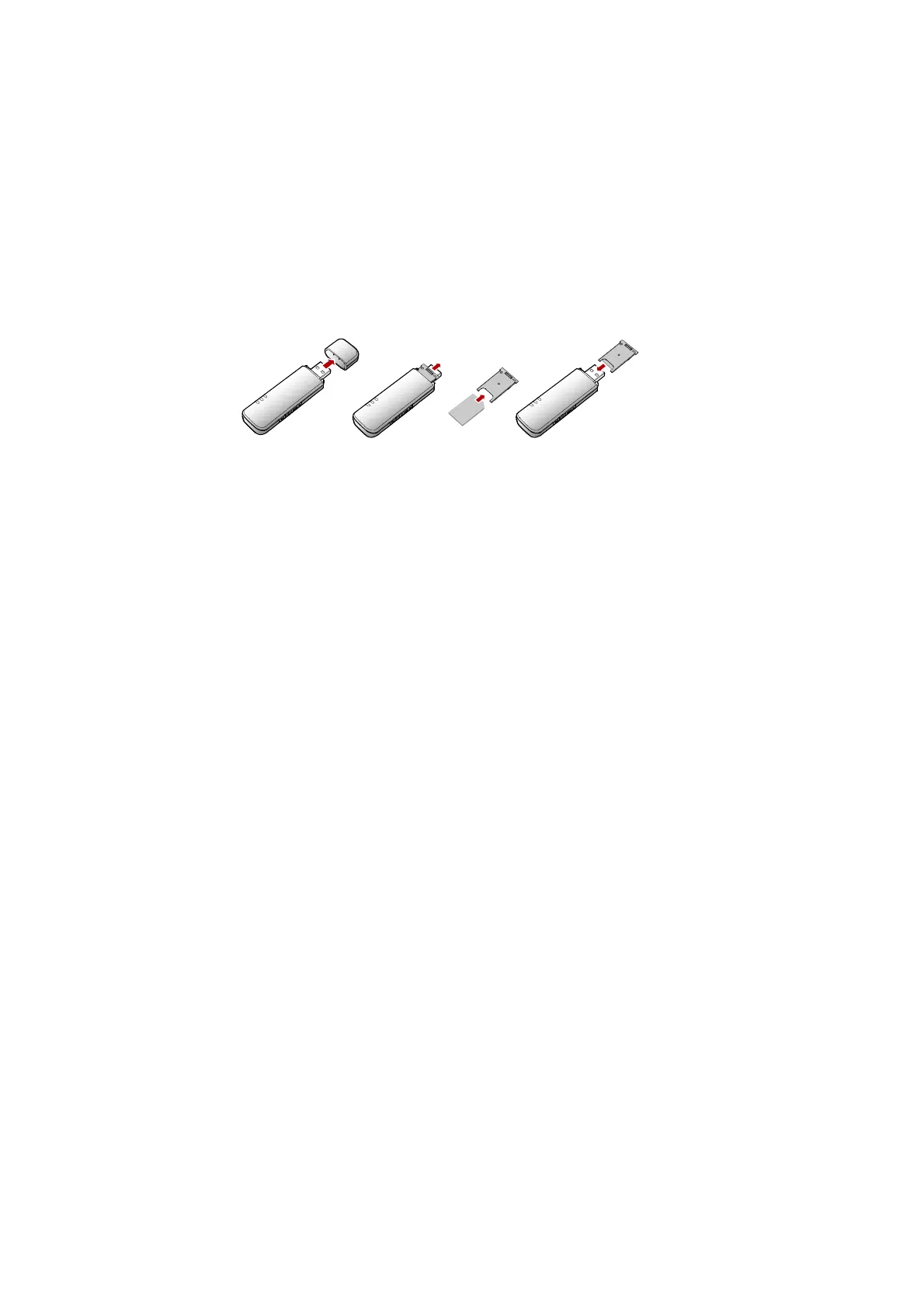
Getting Your E160G Ready
Remove the USIM/SIM card slot from the E160G.
Insert the USIM/SIM card into the card slot.
Insert the card slot into the E160G.



 To Next Page