Getting started.
Installation
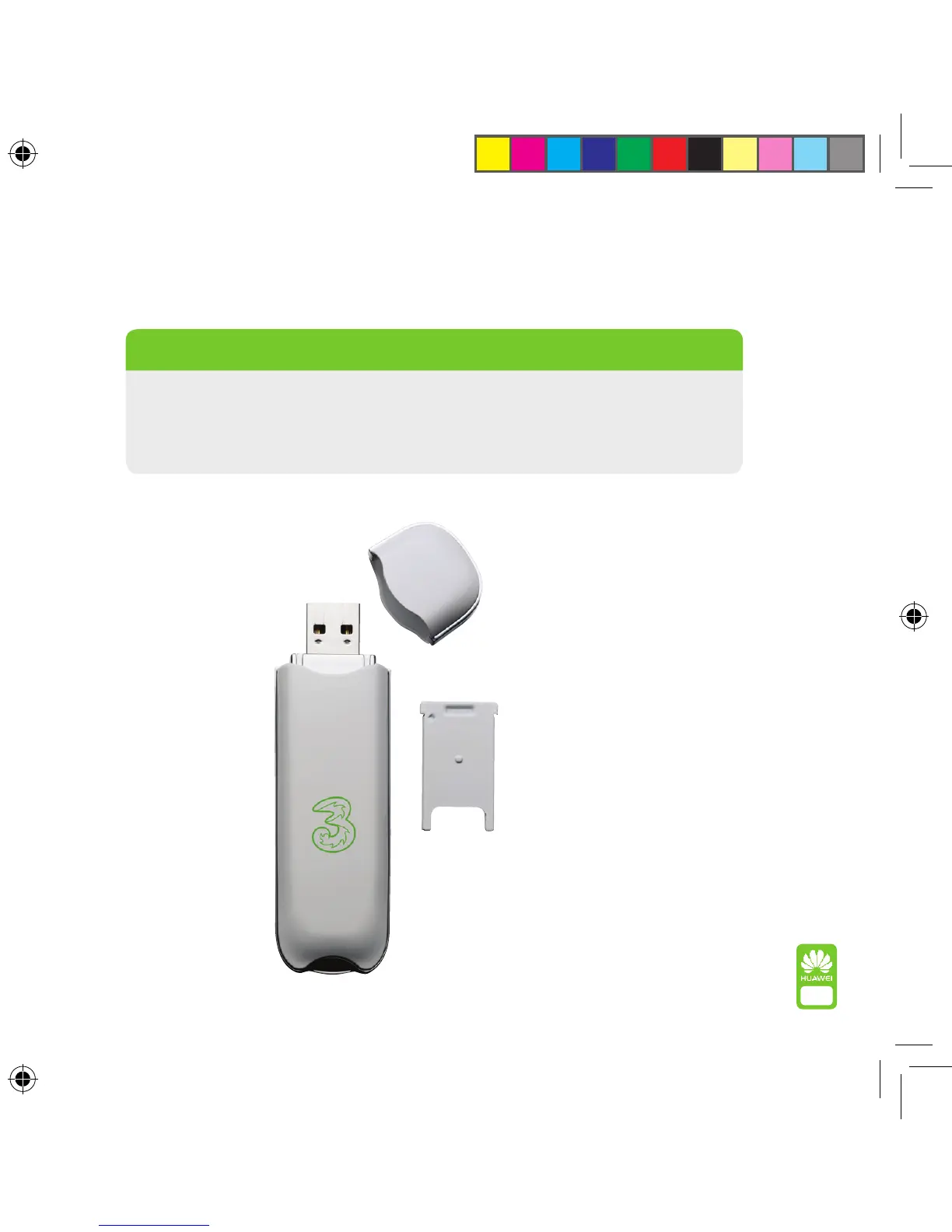
1 RemovethecapontheendoftheUSBmodem
2 PulloutUSIMholderandslideyourUSIMintoholderasshown
3 SlidetheholderbackintoyourUSBmodem–makesureit’sfacingthecorrectway
No more wires, no more hassles,
no more waiting for a line
to be installed.
JustplugyournewUSBmodemintoyourlaptop
andwithinveminutesyou’reontheweb.You
canevenswapyourmodembetweencomputers
andgetyourbroadbandwhereveryouwantit.
Visitthree.co.uk
Emailcustomer.services.co.uk@3mail.com
CallCustomer Serviceson500fromyour
3mobile(0870 7330 320 fromanotherphone).
Callchargedatnationalrate.
Contact Centre
3CustomerServices
Hutchison3GUKLtd
POBox333
Glasgow
G29AG
To nd out more about mobile broadband
and other services:
32



 To Next Page