9
C
C
a
a
l
l
l
l
S
S
e
e
r
r
v
v
i
i
c
c
e
e
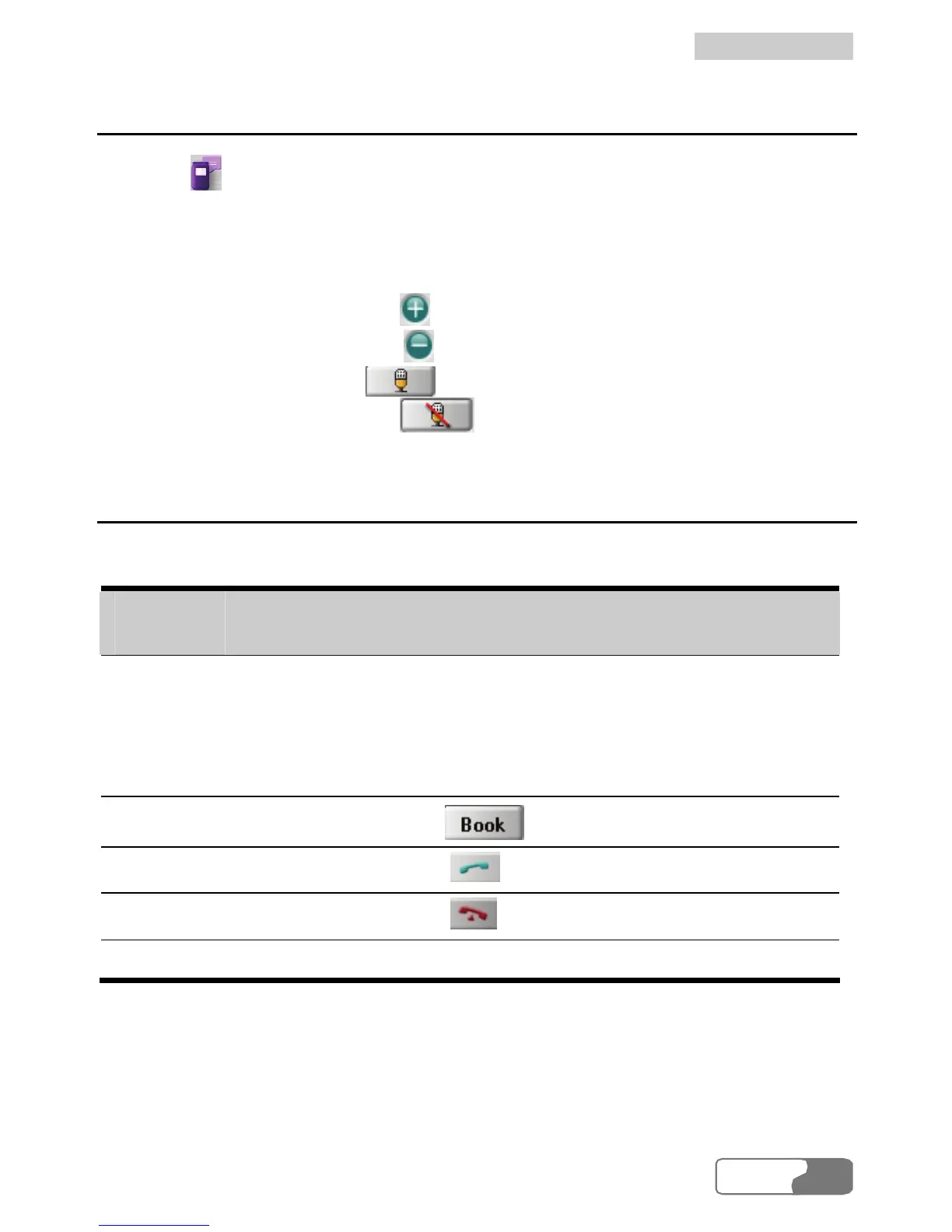
Volume Adjustment and Mute
Click on or select Tools Æ , the Call service screen is displayed. You
h you are making a call or not. You can also
are talking to cannot hear you even
Call
can adjust the volume no matter w en
mute your voice so that the person ou
hough the line is still active.
y
t
y To increase the volume, press .
y To decrease the volume, press .
y To mute your voice, press .
To resume normal talk, press y .
Shortcut Keys for Call Service
T owing table shows the shhe foll ortcut keys and their usages:
Shortcut
Description
keys
Enter
to make the call
incoming call.
y After entering a call number, press this key
directly.
y Press this key to an answer
Ctrl+B
The shortcut key for
.
Ctrl+D
The shortcut key for .
Ctrl+H
The shortcut key for .
Ctrl++/- The shortcut key for volume adjustment.
HUA WEI
27



 To Next Page