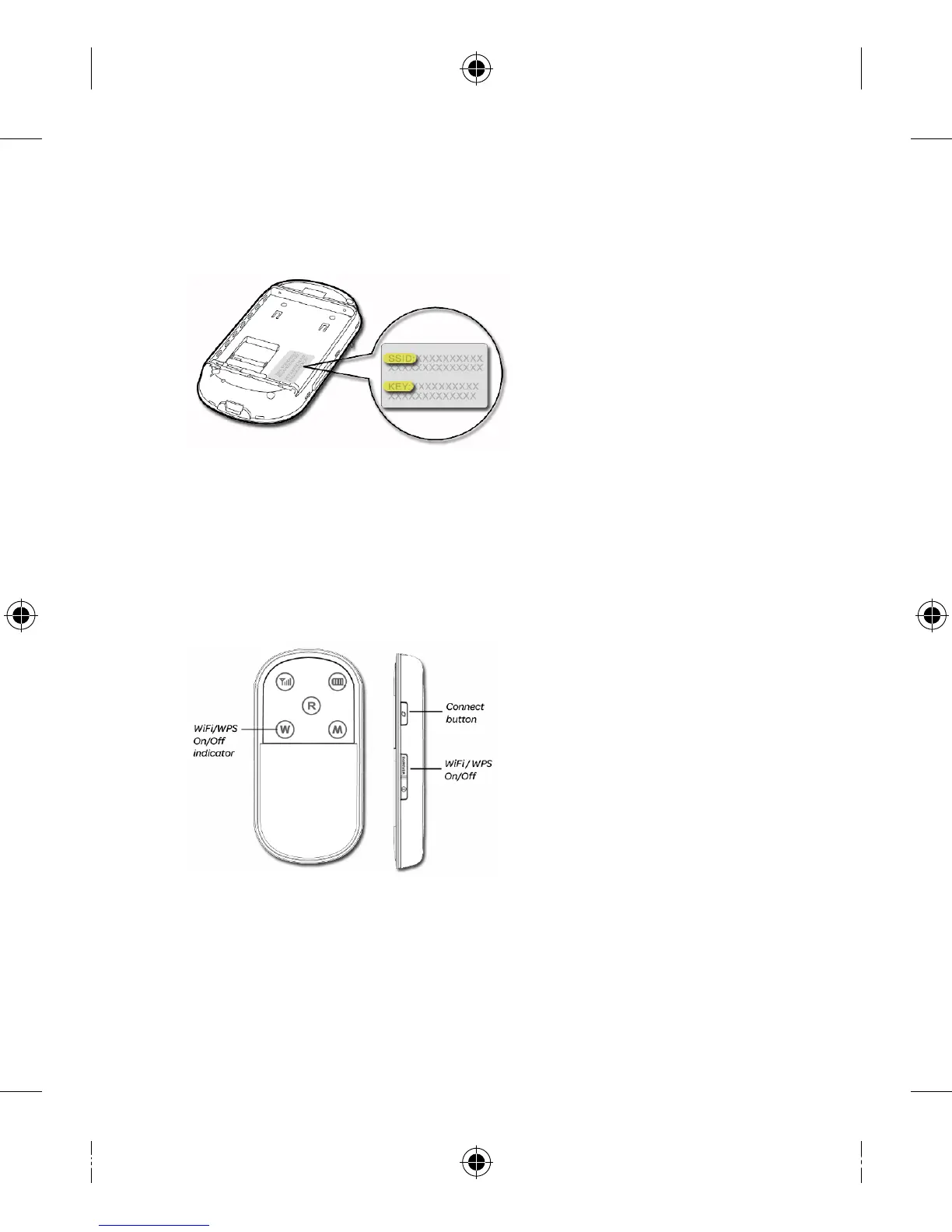
Find and write down the 3. SSID and WEP Key from the label.
Re-insert the battery and replace the back cover.4.
Power on the modem by pressing and holding the 5.
power button.
Make sure that your Wi-Fi is turned 6. On and that your modem
has established a Connection to the network.
Follow the relevant steps below for your operating system to 7.
connect wirelessly.


 To Next Page