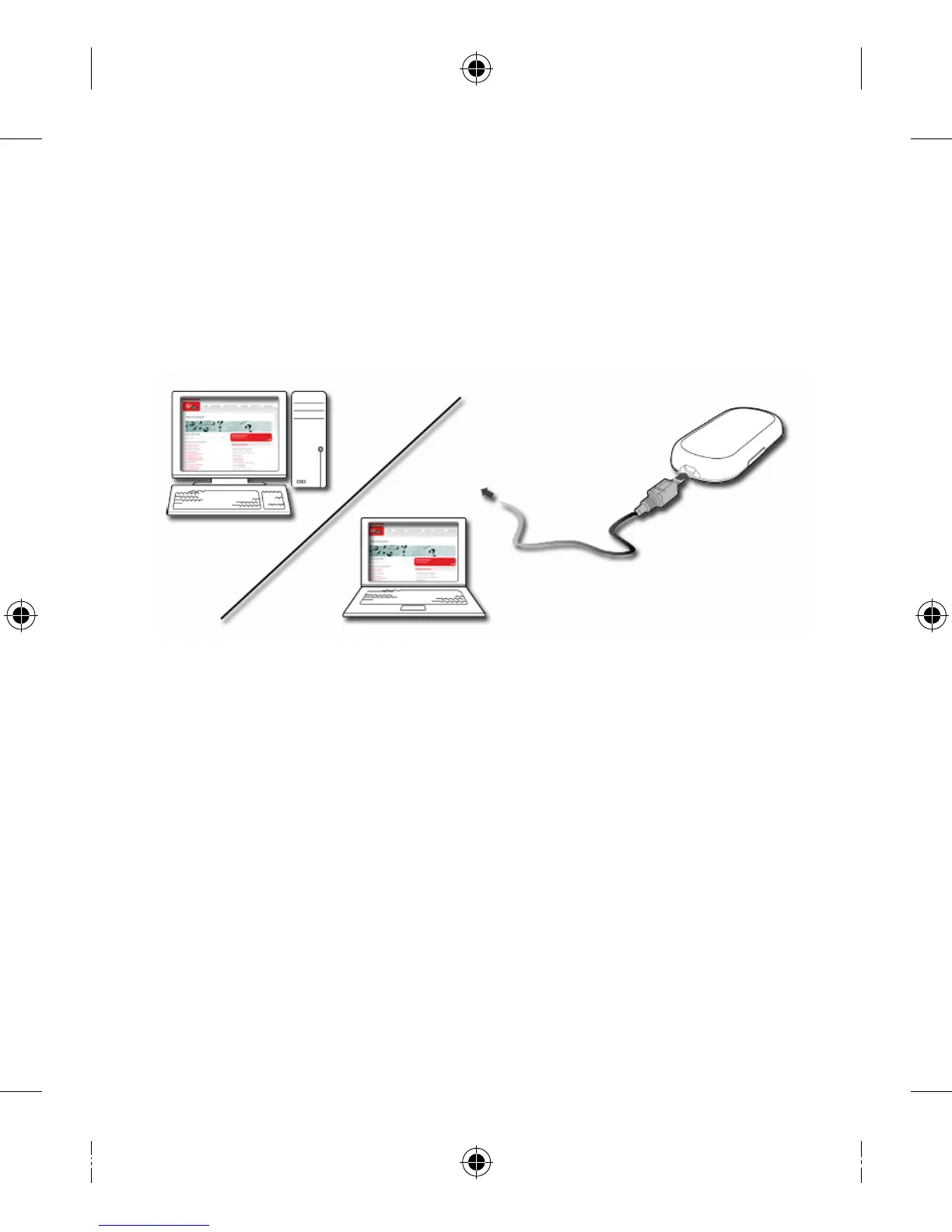
Directly using the supplied USB Cable; or•
Wirelessly, using WiFi •
1. Wired connection
Connect the Modem to your PC or Mac using the supplied USB 1.
cable.
Follow the relevant steps for your operating system to install the
Virgin Mobile Software.
Software installation for Windows
Make sure the modem is powered on.•
After connecting the modem’s USB cable to your computer, the •
set-up software will run automatically.
If the software does not run automatically, go to “My Computer”, •
which should be located on your Windows desktop, and browse
to the disk drive labelled “VIRGINMOBILE”. Double-click on
“Autorun.exe”, to start the installation program.
Choose ‘Install’ and then click ‘Continue’.1.


 To Next Page