Huawei Proprietary and Confidential
Copyright © Huawei Technologies Co., Ltd.
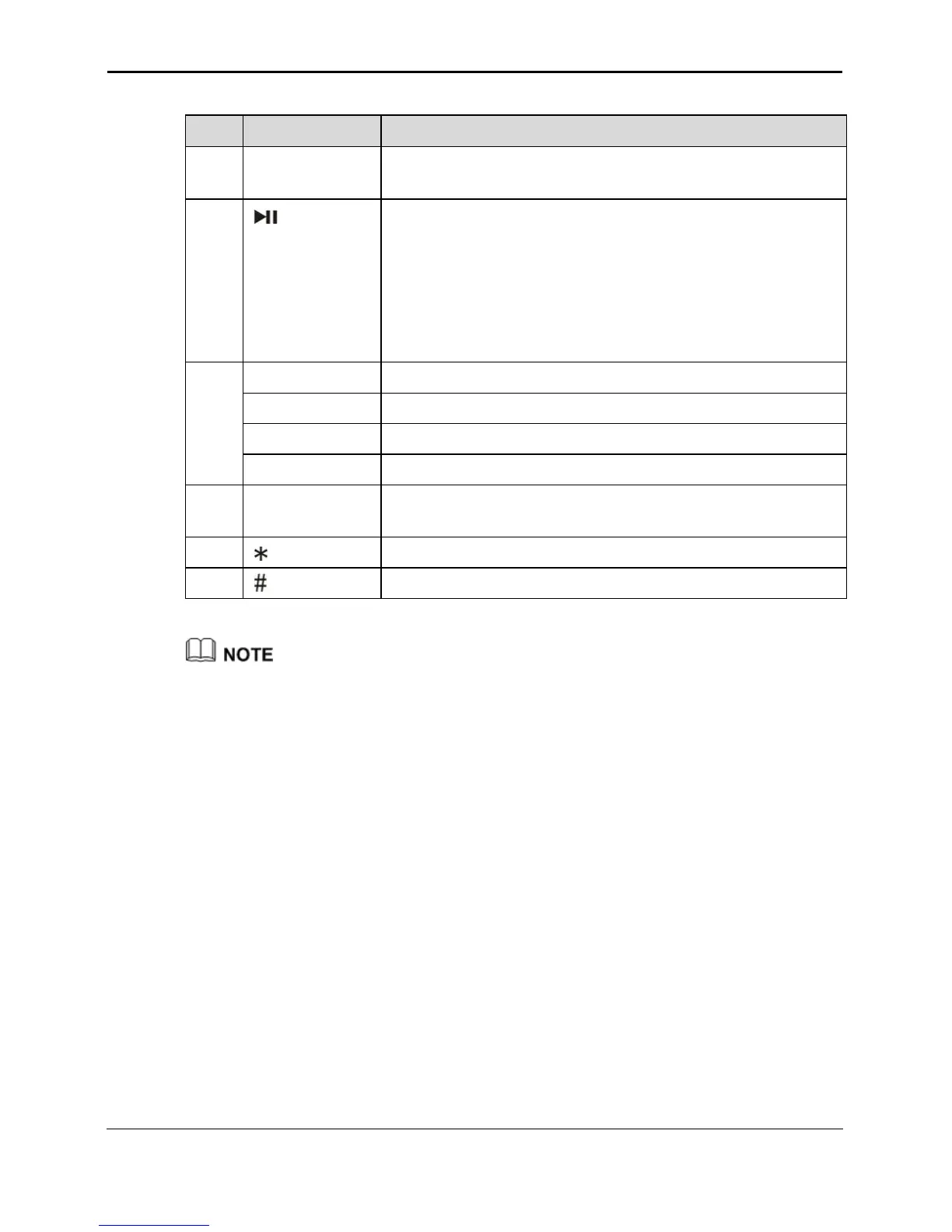
Fast forwards a TVOD program.
Fast forwards a TSTV program.
In VOD mode: Press this button once to pause a playing
VOD program. Press this button again to resume the
program.
In IPTV mode: Press this button once to switch a playing
live TV program to the time-shift mode. Press this button
again to play the time-shift program. Refer to the
messages displayed on the TV screen.
Switches between PIP channels.
Switches to the next PIP channel.
Switches to the previous PIP channel.
Selects channels or enters digits and characters.
Switches between character input methods.
The functions of some buttons depend on the services provided by the carrier. If there is no
response when you press a button, contact the service provider for more information.



 To Next Page