Mounting the FWT
6
The required signal strength is level 1 or above.
Note
• If the L2 is fast blinking in blue, it indicates
that the SIM/USIM card is not in place, the
SIM/USIM card is faulty, the PIN code is
locked, or the PIN code is not entered.
• If the signal strength is in level 1 or 3, the sig-
nal strength indicators of level 1 or 3 should
be on for 80 percent of the time.
Mounting the FWT
Horizontal Mounting
Place the FWT on a smooth surface with cool air and
good ventilation. Keep the FWT away from other
objects around for at least 10 cm.
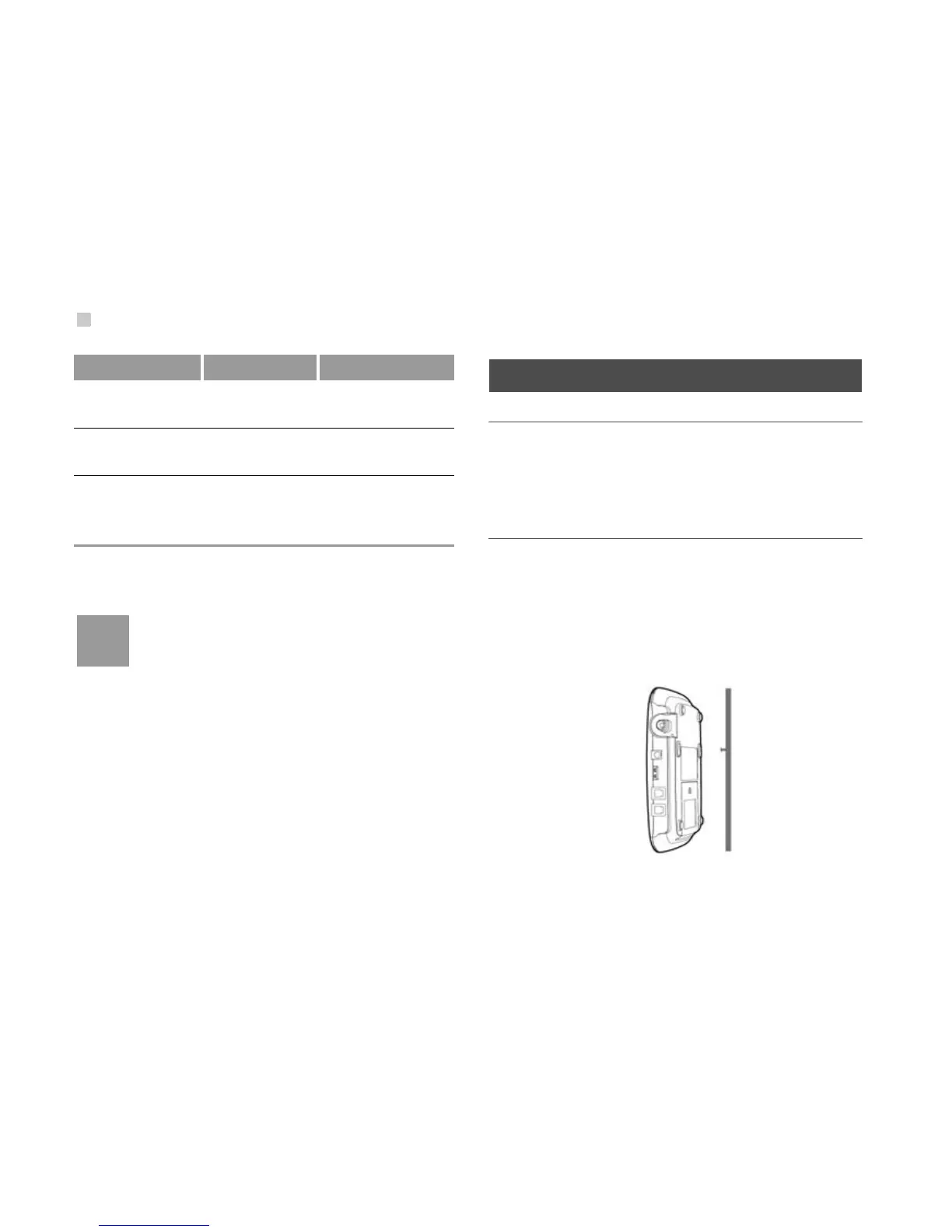
Vertical Mounting
Fix wall screws into the wall with the screw heads
extending approximately 3 mm from the surface of
the wall, align the mounting brackets with the screws,
push the host towards the wall, and mate the brack
-
ets with the screws, ensuring the host is stable.
L1 is steady on
and in blue
1
Weak
L2 is steady on
and in blue
3 Medium
L1 and L2 are
steady on and in
blue
5 Strong
Indicators Signal Level Signal Strength












 To Next Page