Calls and contacts
29
Answering or rejecting a call
When a call comes in, you can press the volume button to mute the ringtone.
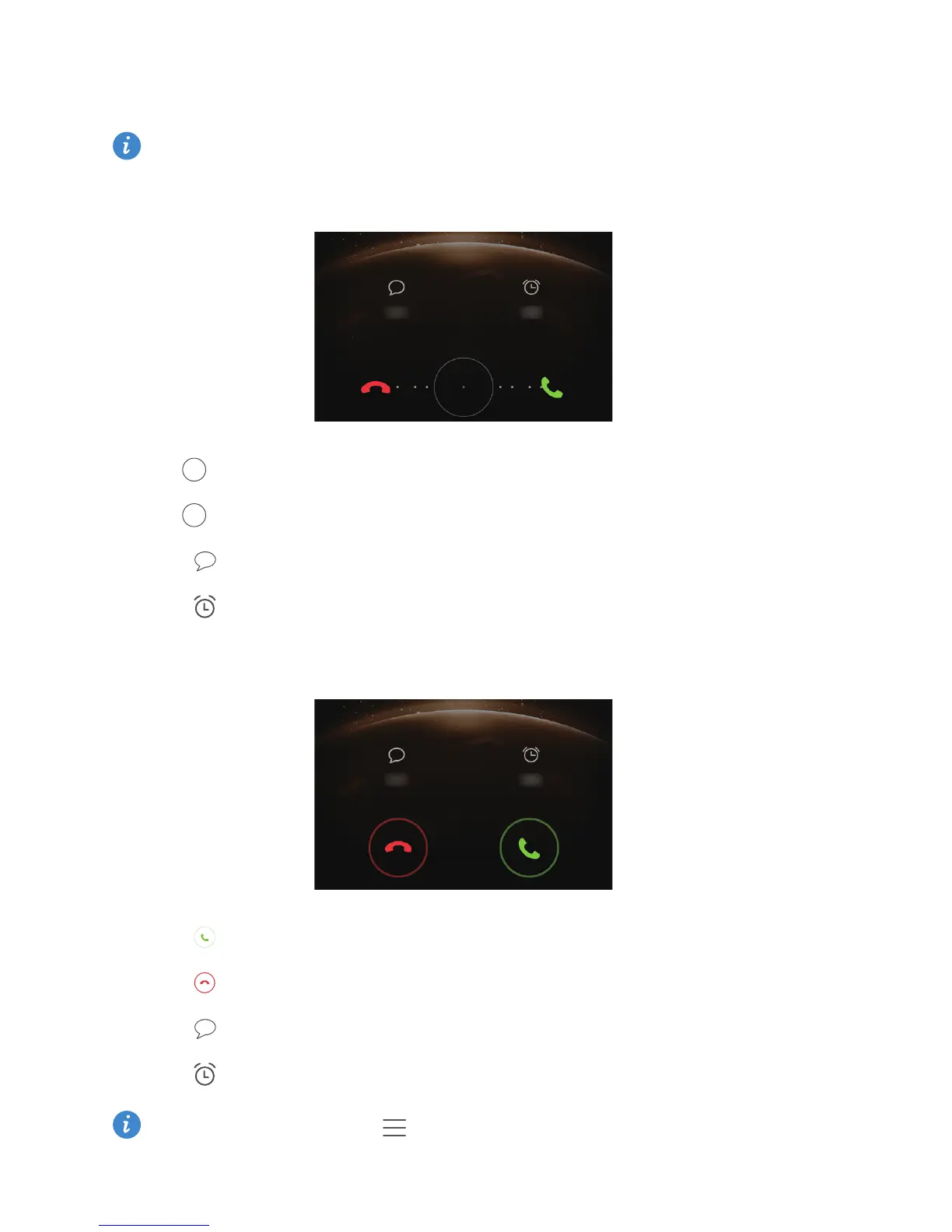
When the screen is locked, you can:
•
Drag right to answer the call.
•
Drag left to reject the call.
•
Touch to select a message or customize a message to reject the call.
•
Touch to set a callback reminder.
When the screen is unlocked, you can:
•
Touch to answer the call.
•
Touch to reject the call.
•
Touch to select a message or customize a message to reject the call.
•
Touch to set a callback reminder.
On the dialer screen, touch >
Call settings
>
Reject calls with SMS
to edit the
message that will be sent.



 To Next Page