7
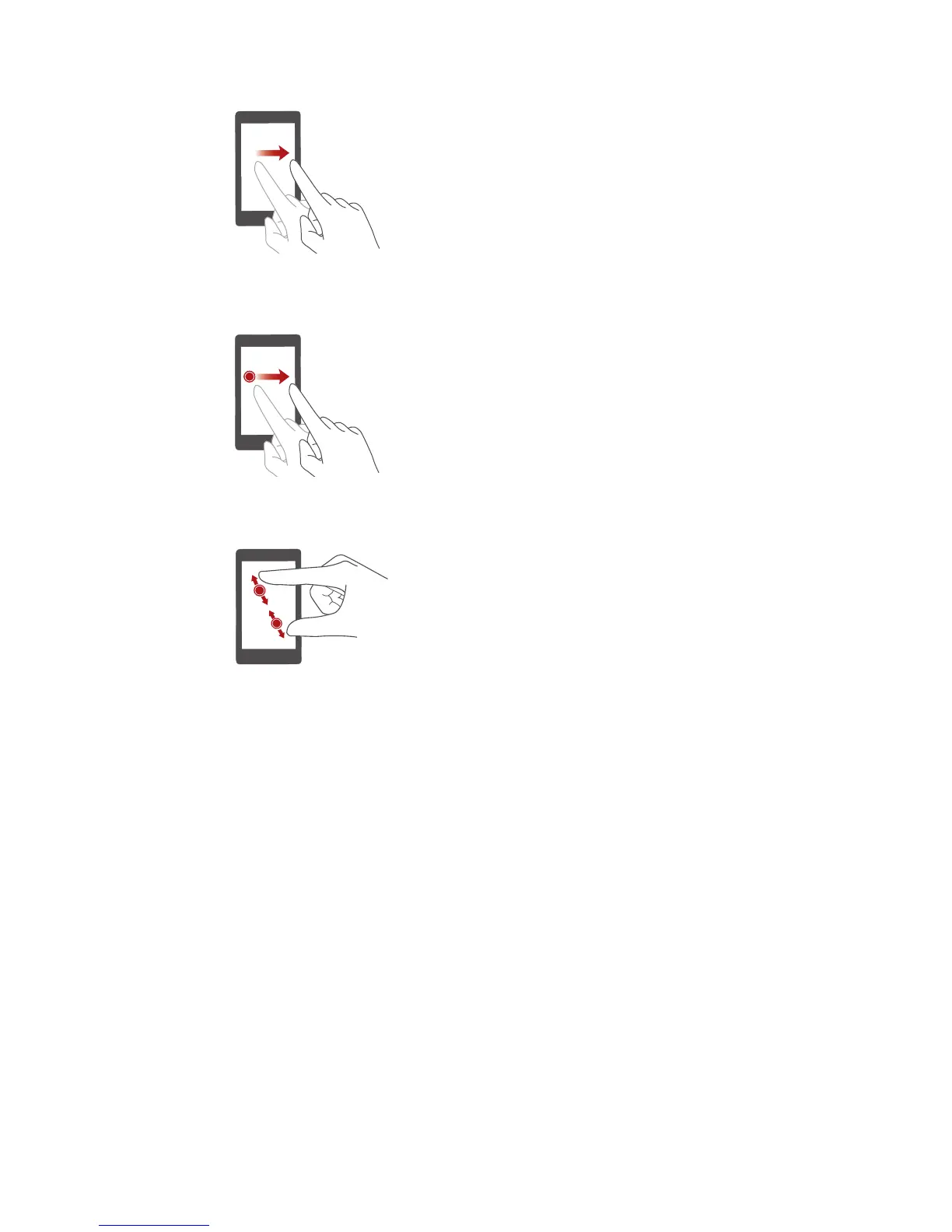
Flick
: Move your finger vertically
or horizontally across the screen.
You can flick left or right across the
notification panel to dismiss a
notification. Flick vertically or
horizontally to go to other home
screens, scroll through a
document, and more.
Drag
: Touch and hold an item and
then move it to another position.
You can rearrange applications and
widgets on the home screen this
way.
Spread apart and pinch
together
: Spread two fingers apart
to zoom in, and pinch them
together to zoom out on a map,
web page, or picture.



 To Next Page