6
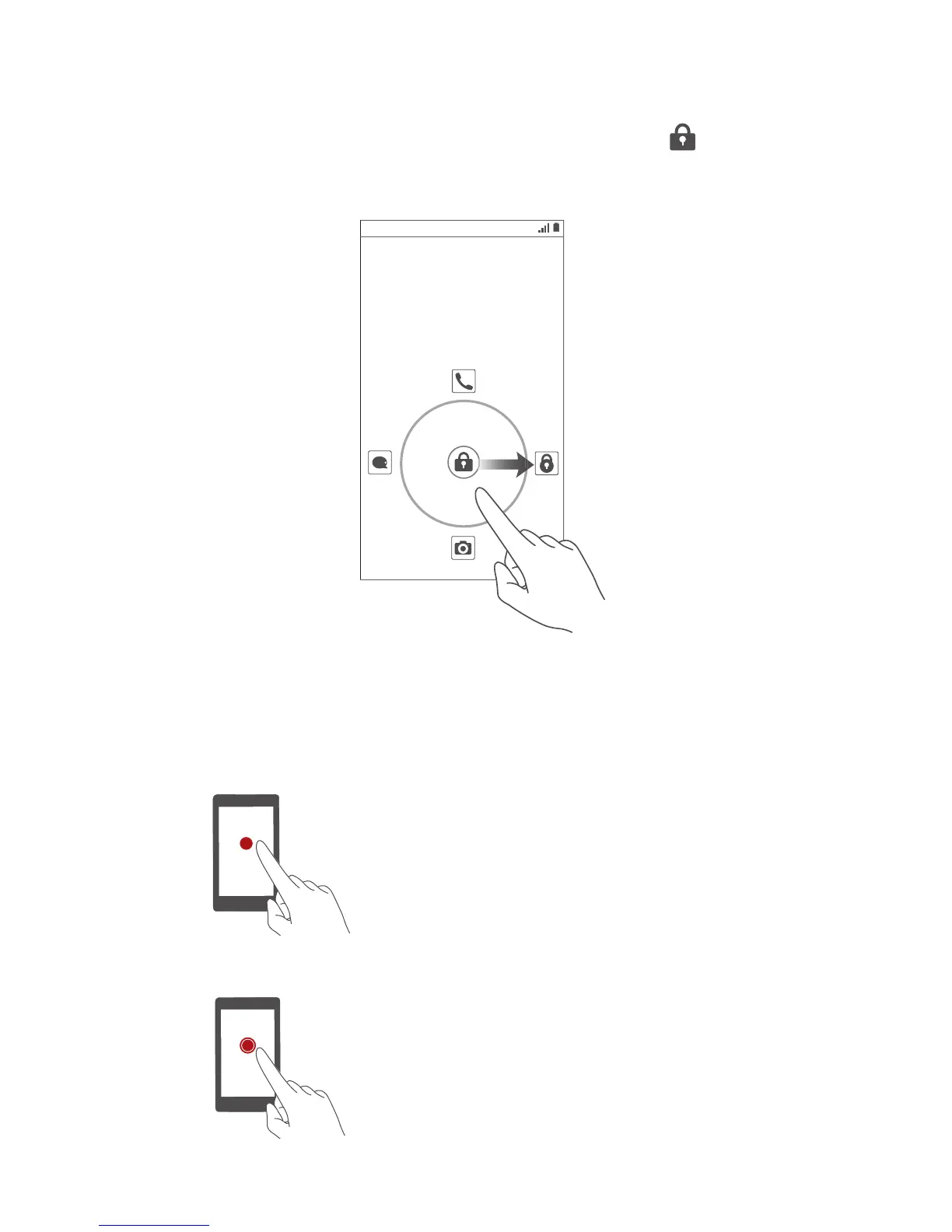
Unlocking the screen
If the screen is off, press the power button to turn it
on. Follow the onscreen instructions and drag to
unlock the screen or open an application.
Touchscreen gestures
Touch
: Tap an item once. For
example touch an application to
select or open it.
Touch and hold
: Touch and leave
your finger on the screen for 2
seconds or more. For example,
touch and hold a blank area on the
home screen to display an option
menu.
8:08



 To Next Page