19
Editing text
Discover how to select, cut, copy, and paste text on
your phone.
•
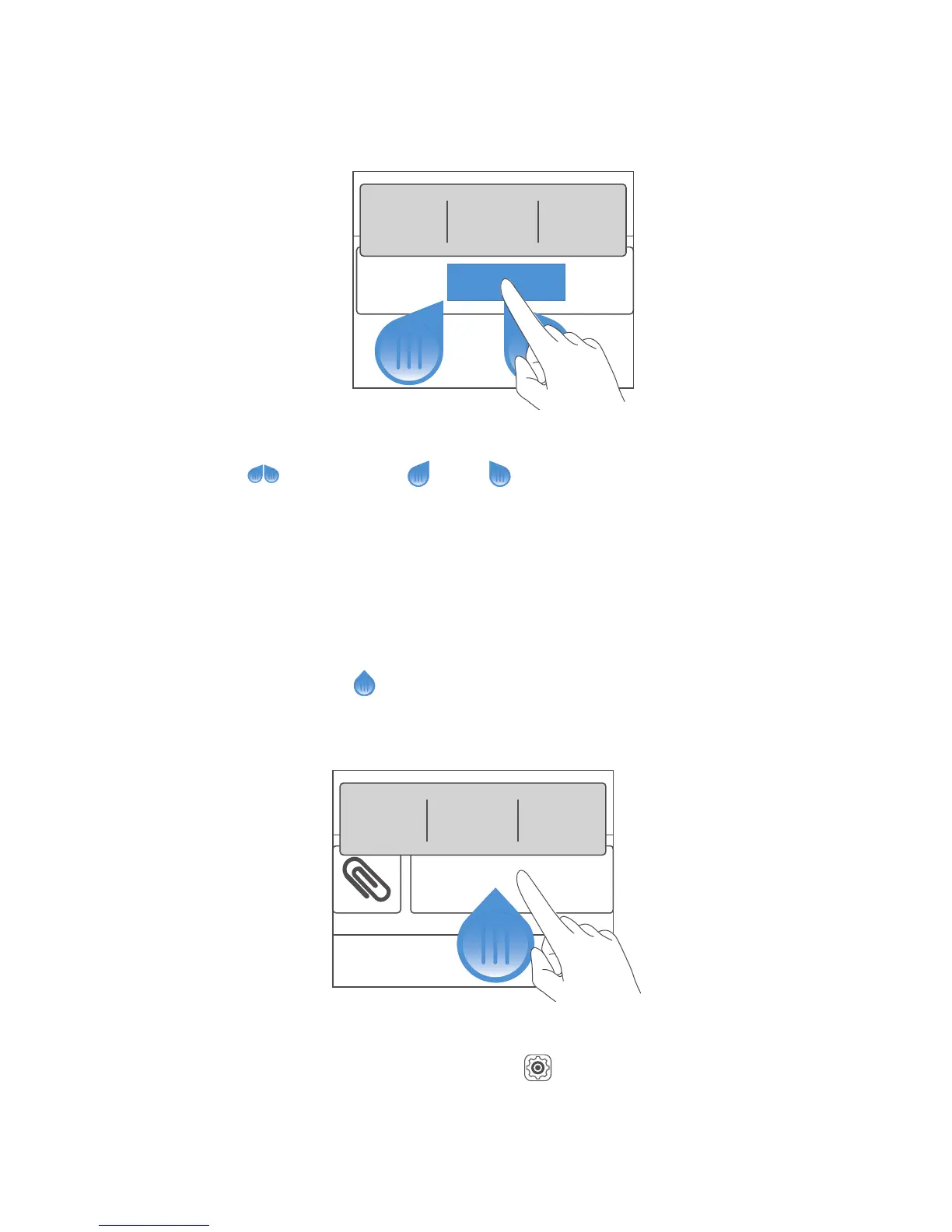
Select text
: Touch and hold the text to bring up
. Then drag and to select more or less
text, or touch
Select all
to select all text in a text
box.
•
Copy text
: Select text and touch
Copy
.
•
Cut text
: Select text and touch
Cut
.
•
Paste text
: Touch where you want to insert the
text, drag
to move the insertion point, and
touch
Paste
to paste the text you copied or cut.
Configuring an input method
1.
On the home screen, touch .
2.
Under
All
, touch
Language & input
.
3.
Under
Keyboard & input methods
, touch an input
method to configure it.
Hello HUAWEI



 To Next Page