46
When a song is playing, touch to exit the
playback screen without stopping the song. To
return to the music playback screen, open the
notification panel and touch the playing song.
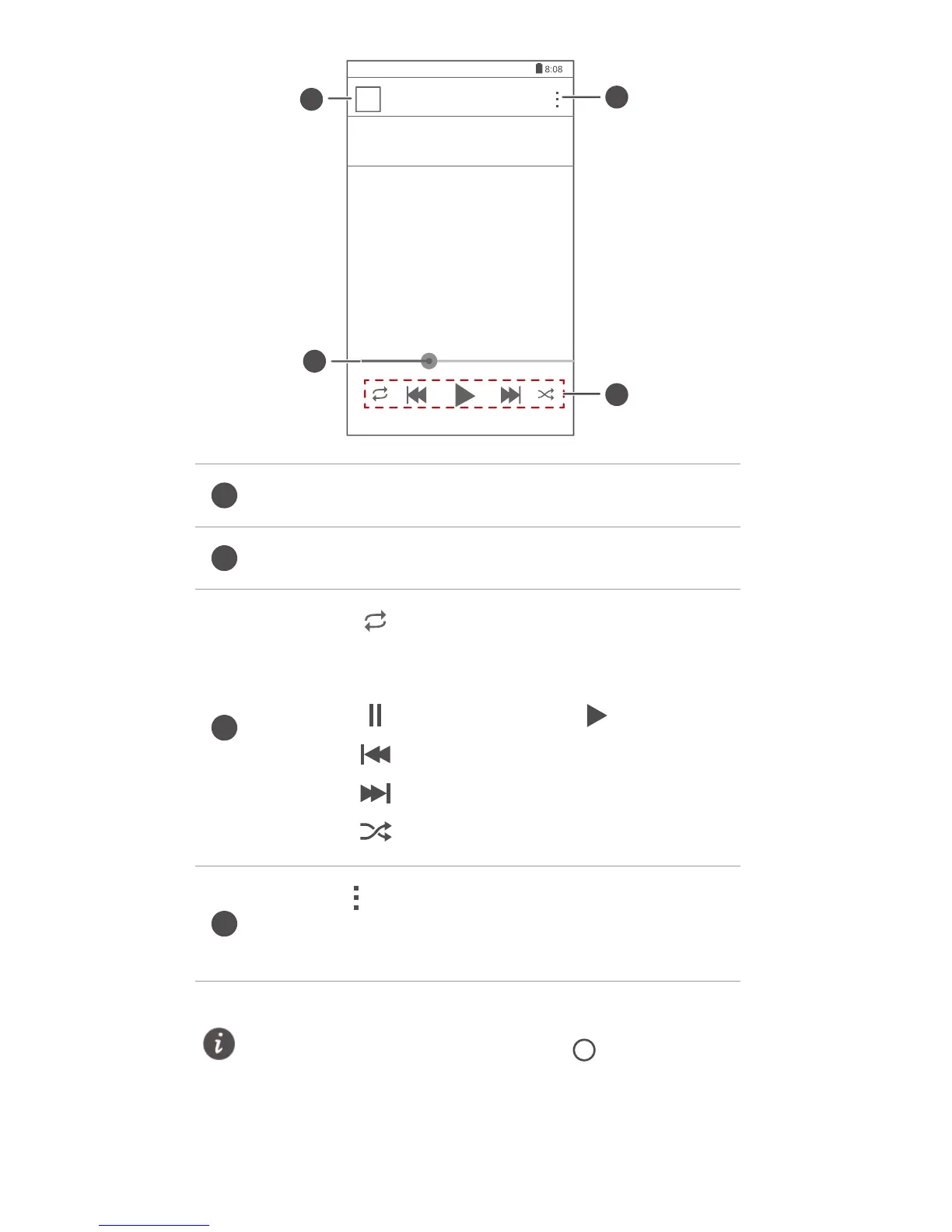
Touch the thumbnail to return to the song list.
Drag the slider to control the playback.
•
Touch to switch between different
playing modes (repeat the playlist, repeat the
current song, and play in sequence).
•
Touch to pause and touch to resume.
•
Touch to go back to the previous song.
•
Touch to skip to the next song.
•
Touch to enable or disable shuffle mode.
Touch to display an option menu where
you can view the information about the album
or song.



 To Next Page