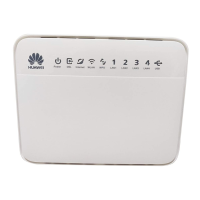
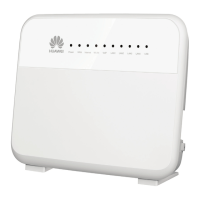
the other. In order to take advantage of the highest wireless
speeds the client device must be connected to the 5Ghz
network, and support 802.11ac.
Example network info:
This is what the information on the back of the modem will
look like. This information is for example only, and
will not work on your own Bigpipe Modem.
2.4Ghz SSID: HUAWEI-WEHJ3Z
5Ghz SSD: HUAWEI-WEHJ3Z-5G
WLAN Key:12345678
The default configuration will allow any device to connect
which has the correct network information.
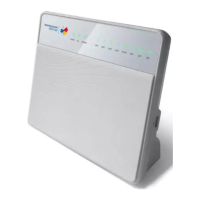
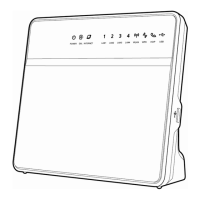
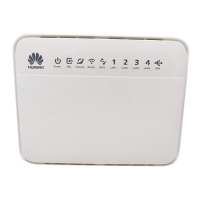
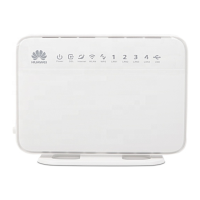
The HG659 also has a WPS button on the right side. Some client
devices support WPS. WPS allows client devices to connect to a
network by pressing the WPS button on the router, and
activating WPS on the device at the client device at the same
time.
Changing WiFi settings
Connect computer to LAN port on HG659 with an Ethernet1.
cable
Open browser (IE, Chrome, Firefox, etc)2.


 To Next Page
 Loading...