Camera and Gallery
52
Gallery
Displaying photos in timeline mode
1.
On the home screen, touch
Gallery
.
2.
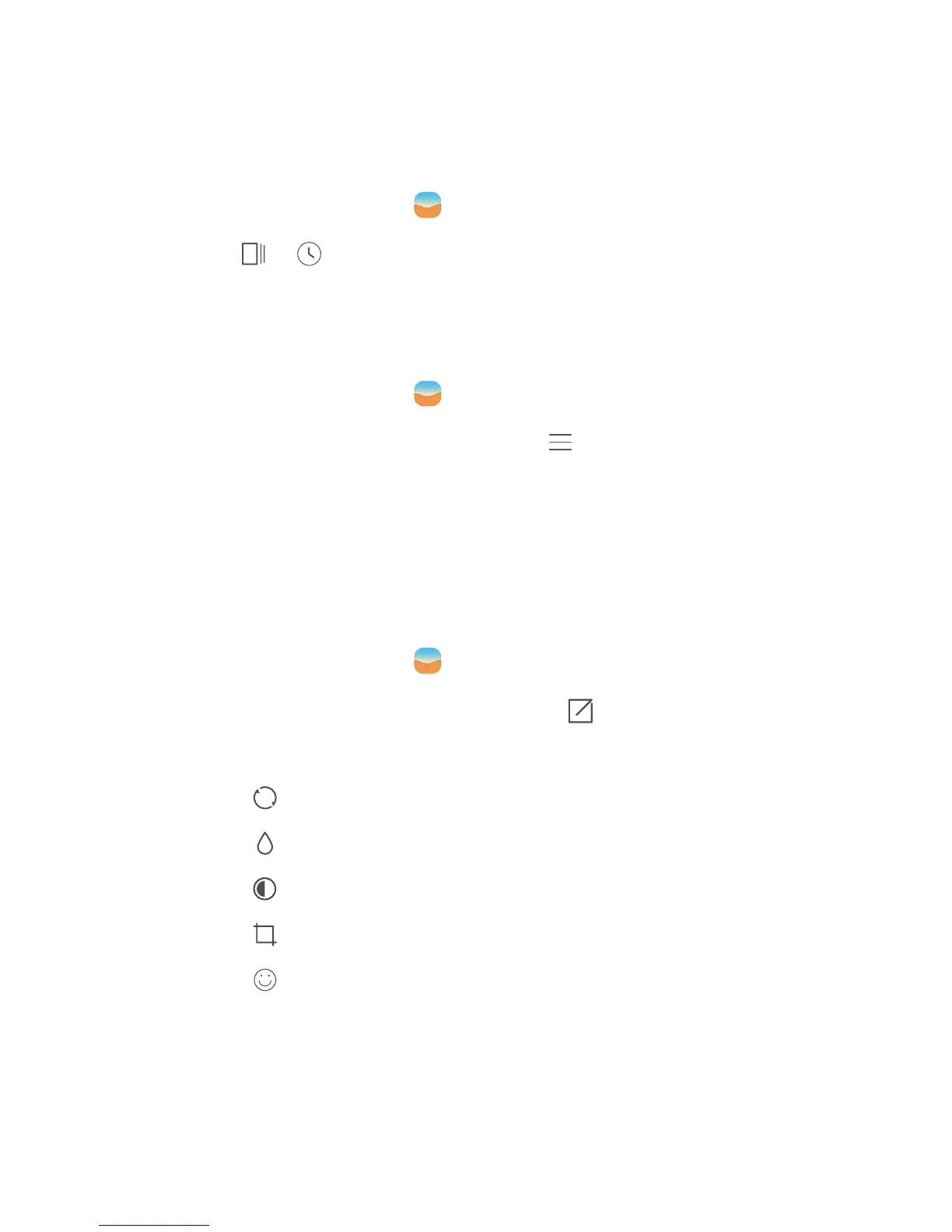
Touch or at the bottom of your screen to display your photos in list
or timeline mode.
Playing a slideshow
1.
On the home screen, touch
Gallery
.
2.
View the album in timeline mode and touch >
Slideshow
.
3.
Touch the screen to stop the slideshow.
Editing a photo
You can adjust the photo brightness, saturation and size and apply facial
enhancement to people in the photo.
1.
On the home screen, touch
Gallery
.
2.
Touch the photo you want to edit, then touch .
3.
You can then:
•
Touch to rotate the photo.
•
Touch to select a filter.
•
Touch to adjust the saturation, colour and more.
•
Touch to crop the photo.
•
Touch to add whitening, smooth, or other facial enhancement
effects.



 To Next Page