Adding app shortcuts to the home screen
Add frequently used apps to the home screen for quick access.
1 On the home screen, touch to view the list of apps.
2 Touch and hold an app icon until your phone vibrates, and then drag the app icon to the
desired location on the home screen.
You must have enough space on the home screen. If there is not enough space, add
another home screen or free up some space.
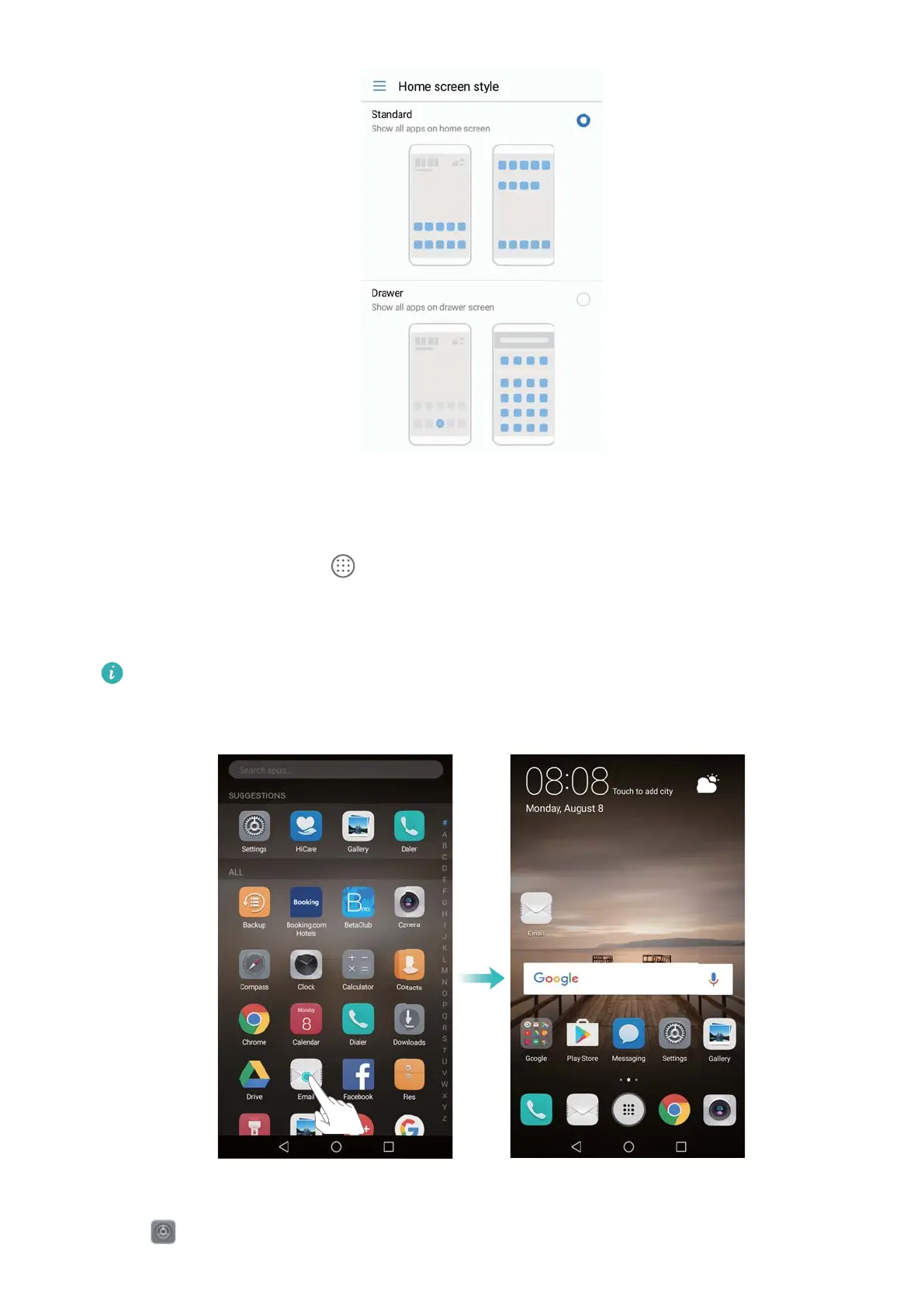
Reverting to the standard home screen
1 Open
Settings.
Screen and Display
14



 To Next Page