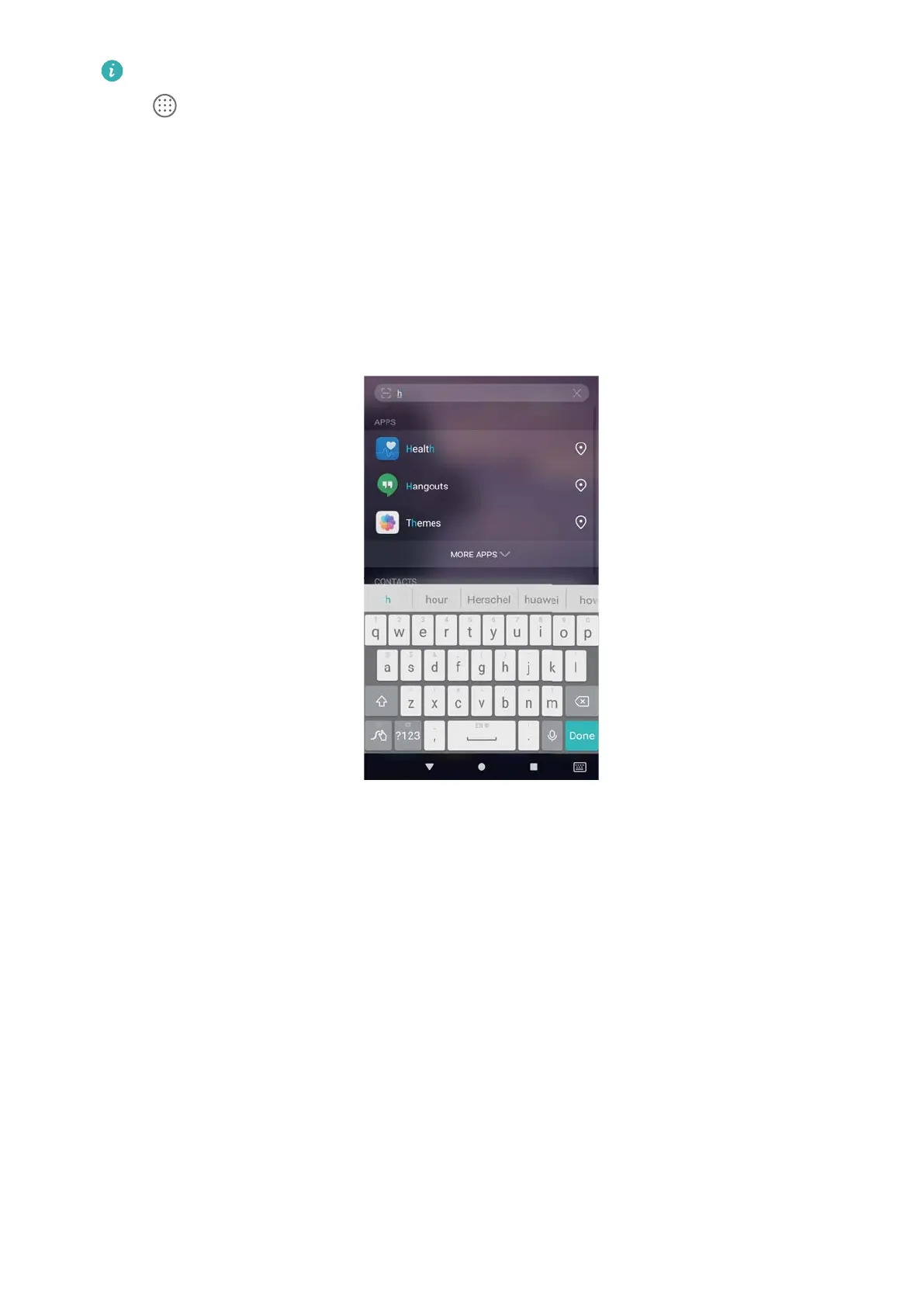
l When using the Drawer home screen layout, you can also search for apps by touching
and entering the app name in the search bar.
l When your phone is connected to the Internet, matching apps in the HiApp store will
also be displayed. Connect to a Wi-Fi network before searching for cities to avoid
incurring unexpected data charges.
Searching for settings
1 Swipe down on the home screen.
2 Enter one or more keywords. Your phone will display matching menu options from Settings.
Screenshot
Capturing the entire screen
Taking a screenshot with the power and volume down buttons
Press the Power button and Volume down button to take a full screenshot.
Screen and Display
43



 To Next Page