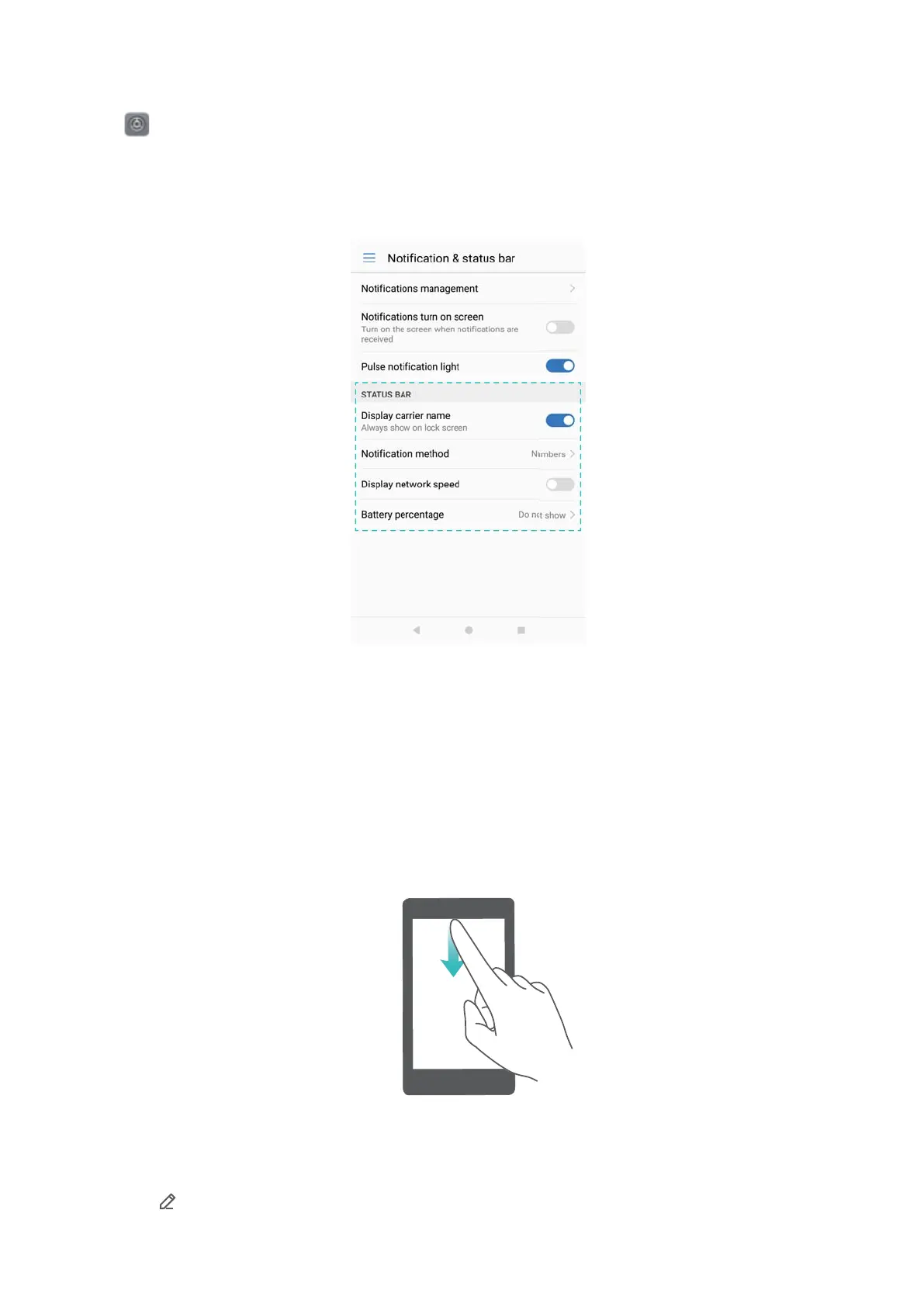
Configuring the status bar
Open Settings > Notification & status bar. Toggle the Display carrier name, Display
network speed, or Battery percentage switches to configure which information is displayed in
the status bar.
Using shortcut switches to access settings
Use shortcut switches to enable or disable functions quickly without using a settings menu.
Opening the shortcut switches tab
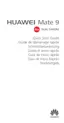
Swipe down from the status bar to open the notification panel.
Rearranging shortcut switches
1 Swipe down from the status bar to open the notification panel.
2 Touch
. Touch and hold a switch and drag it to the desired position.
Screen and Display
35



 To Next Page