Using the Recent key to enable split screen mode
Open an app that supports split screen mode, and then touch and hold Recent.
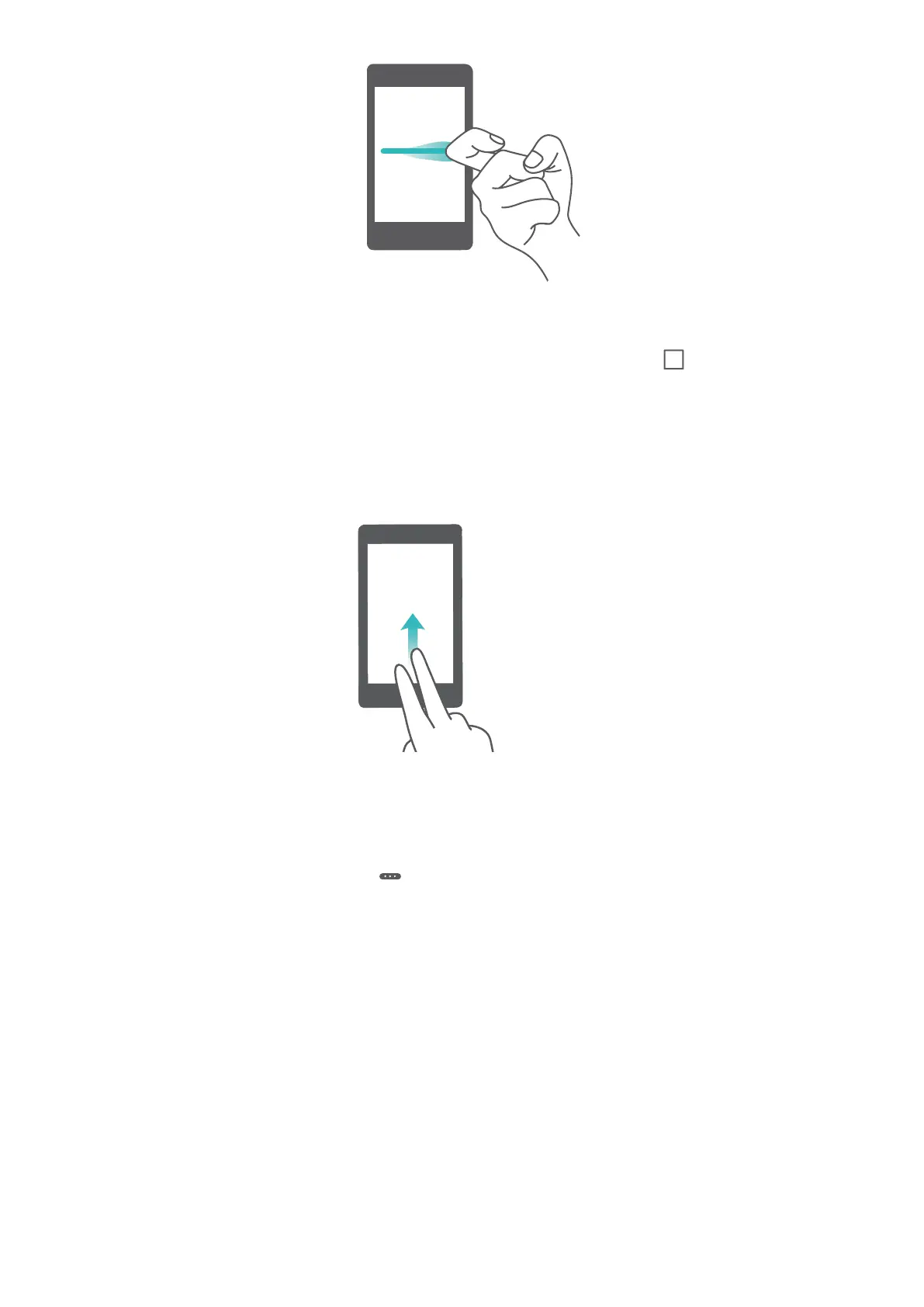
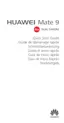
Using swipe gestures to enable split screen mode
Open an app that supports split screen mode, and then swipe up from the bottom of the screen
with two fingers.
Using split screen mode
Switching to full screen mode
In split screen mode, touch and hold and swipe up or down to switch to full screen mode.
Screen and Display
52



 To Next Page