The color temperature cannot be changed when Eye comfort mode is enabled.
Changing the screen-off time
The screen will lock automatically and enter sleep mode after it has been idle for a certain period
to reduce power consumption and prevent unintended operations.
1 Open Settings.
2 Touch Display > Sleep and select a screen-off time.
Configuring the screen rotation settings
When you rotate your phone, some apps will automatically adjust the screen orientation to make
them easier to use.
1 Open Settings.
2 Touch Display and switch on Auto-rotate screen.
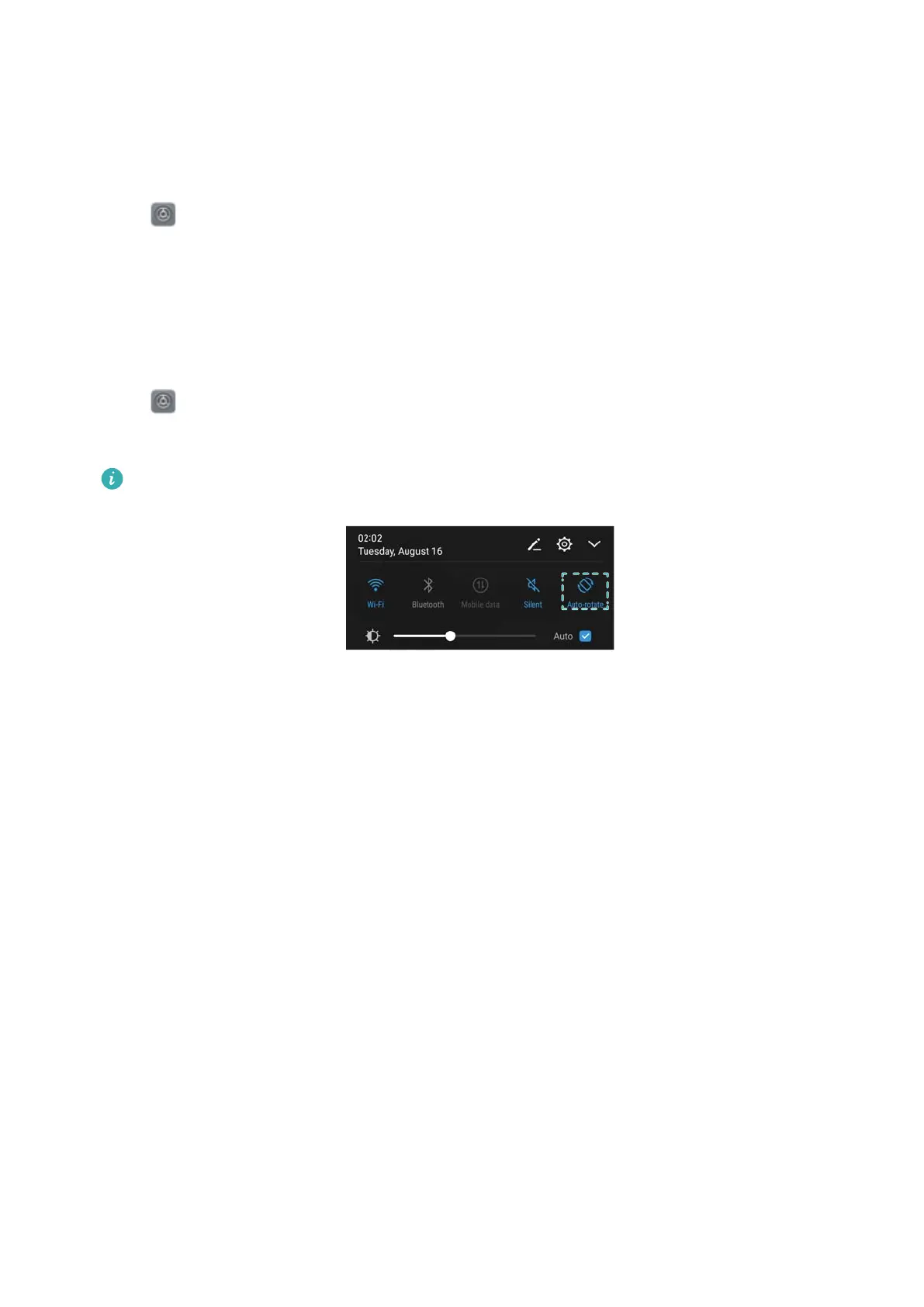
Quickly enable auto-rotation: Swipe down from the status bar and open the shortcut
switches tab, and then touch the Auto-rotate switch to enable Auto-rotate.
Screen and Display
59



 To Next Page