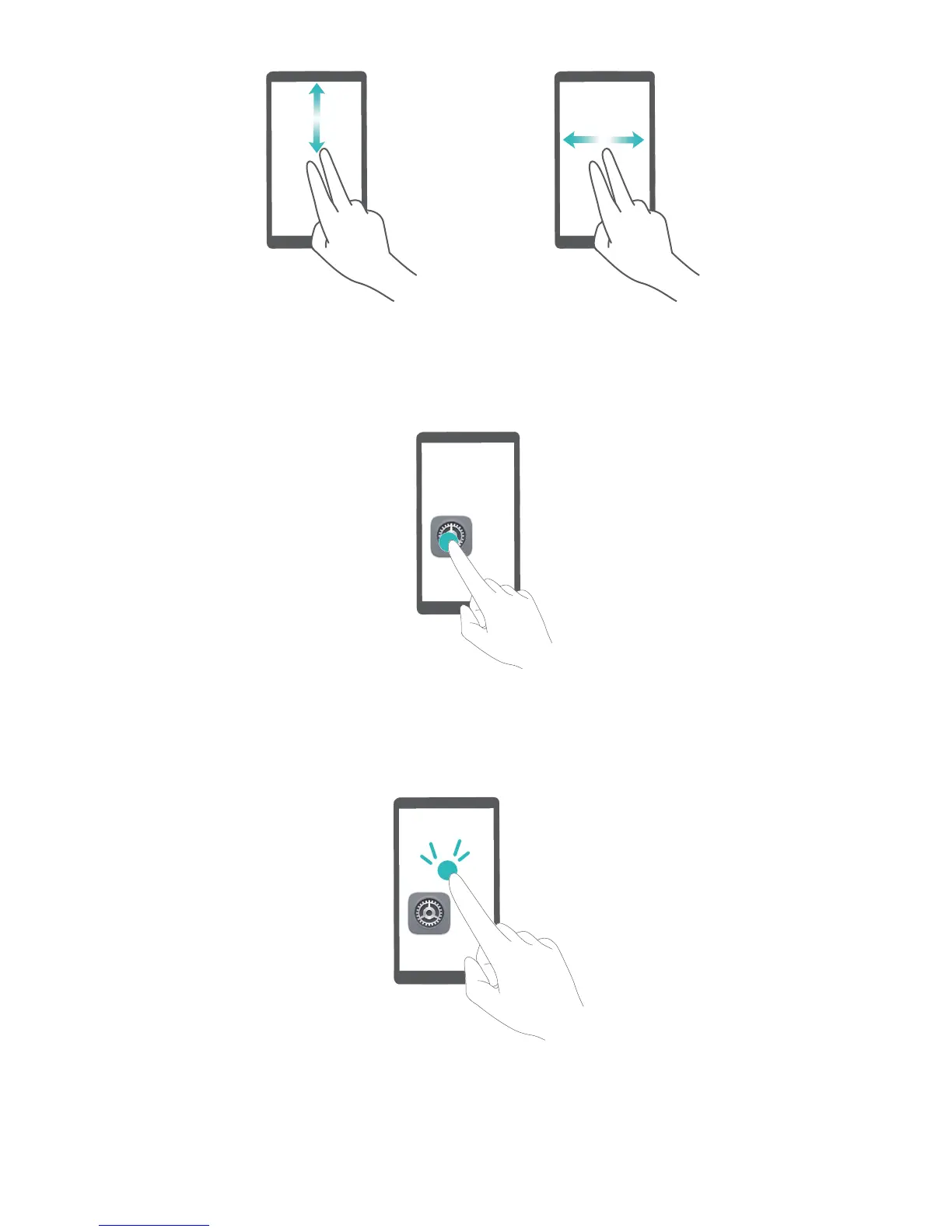
Select an item: T
ouch an item with one nger to select it (it will not open). Your device will read out
the content of the selected item.
Open an item: Double-touch any part of the scr
een using one nger to conrm your selection from
the previous step.
For example, if you want to open Settings, touch the Settings icon once using one
nger, and then
touch twice anywhere on the screen.
System
104



 To Next Page