Check conference participants: Open Calendar, and touch the confer
ence reminder to view
the participants.
Import To-Dos to Keep Your Work Organized
Many to-dos cannot be handled in time. What can I do if I forget to handle them? Import each to-do
item to Calendar for easy reference and you will not miss any important events.
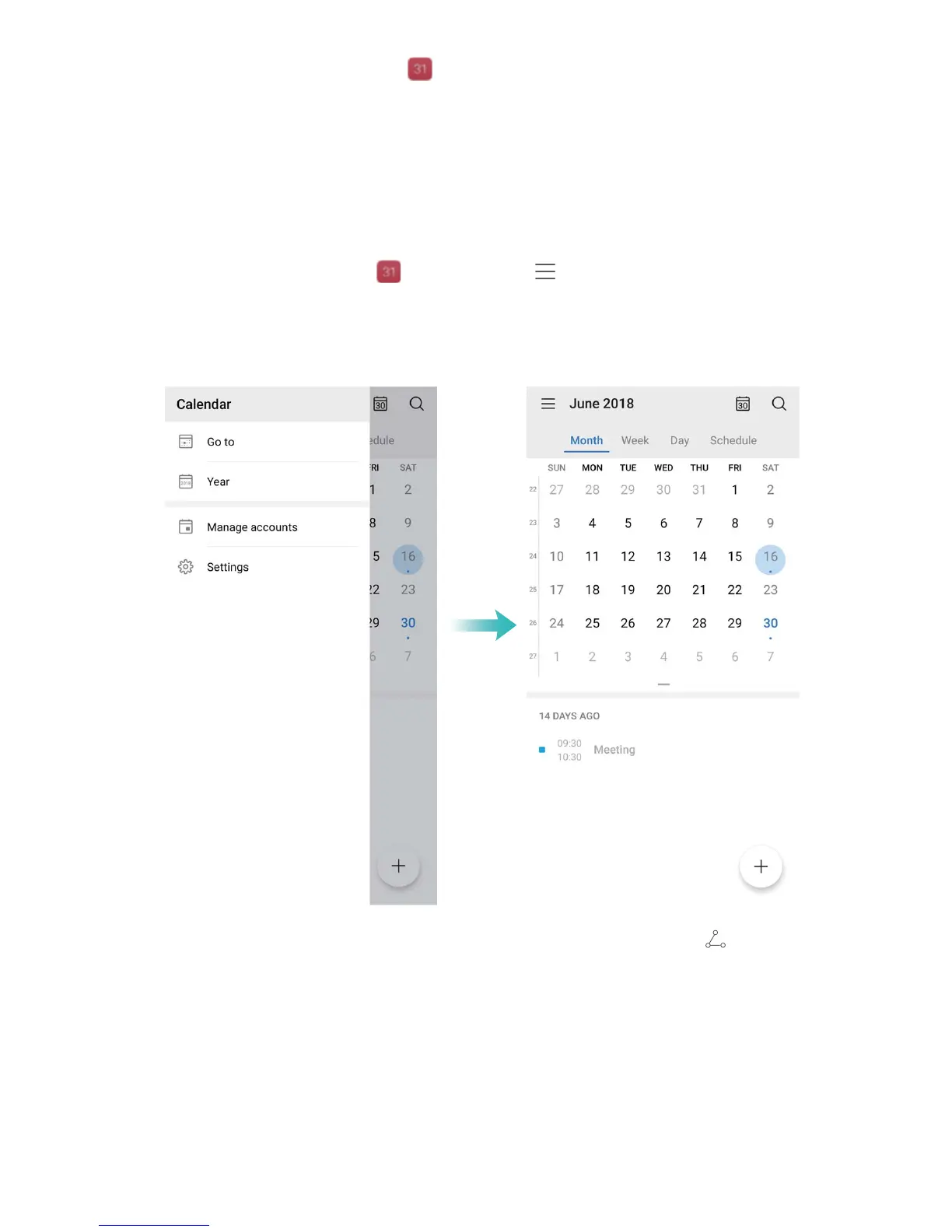
Import meeting reminders: Open
Calendar, go to > Manage accounts > Add account,
and fol
low the onscreen prompts to add your work emails (Exchange account) to the calendar to
check meeting reminders.
Share an event: T
ouch an event on the calendar or under schedule, then touch
and follow the
onscr
een prompts to share the event using any of the multiple methods.
View Global Holidays
Traveling overseas for work or holiday? Download your destination country's holiday information
ahead of time to better plan your work and schedule.
Calendar
58



 To Next Page