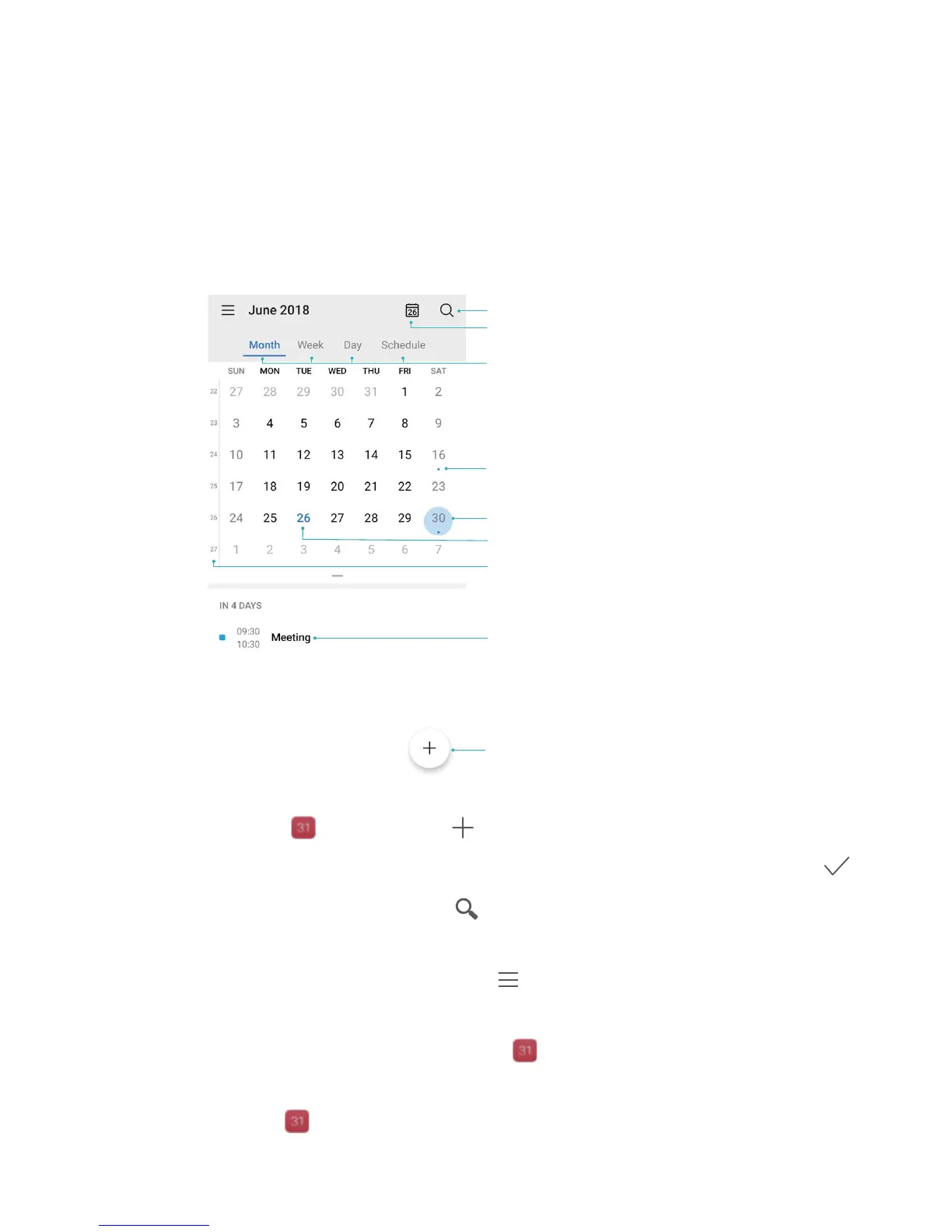
Create an event: Open Calendar, touch , and enter your event information including title,
location, and start and end times. Go to Reminder to add a r
eminder for your event, then touch
.
Sear
ch events: On the Calendar page, touch
and enter the event keywords, such as title or
location.
Congure Calendar: On the C
alendar page, go to
> Settings to customize calendar display
and r
eminders.
Check the exact location of the destination: Open
Calendar. In a view or schedule, touch the
event wher
e the destination has been set to view the exact location information about the event.
Query weather: Open
Calendar, and touch an event in a view or schedule to view the weather
of the day in the event.
57



 To Next Page