Gestures and Operations
Scr
eenshots and Screen Recording
Take a Screenshot of Your Entire Screen
Use combo key to take screenshot: Simultaneously press and hold the Power button and the
Volume down button to take a screenshot of the full screen.
Use shortcut switch to take screenshot: Swipe down from the status bar and open the shortcuts
panel, then touch
to take a screenshot of the full screen.
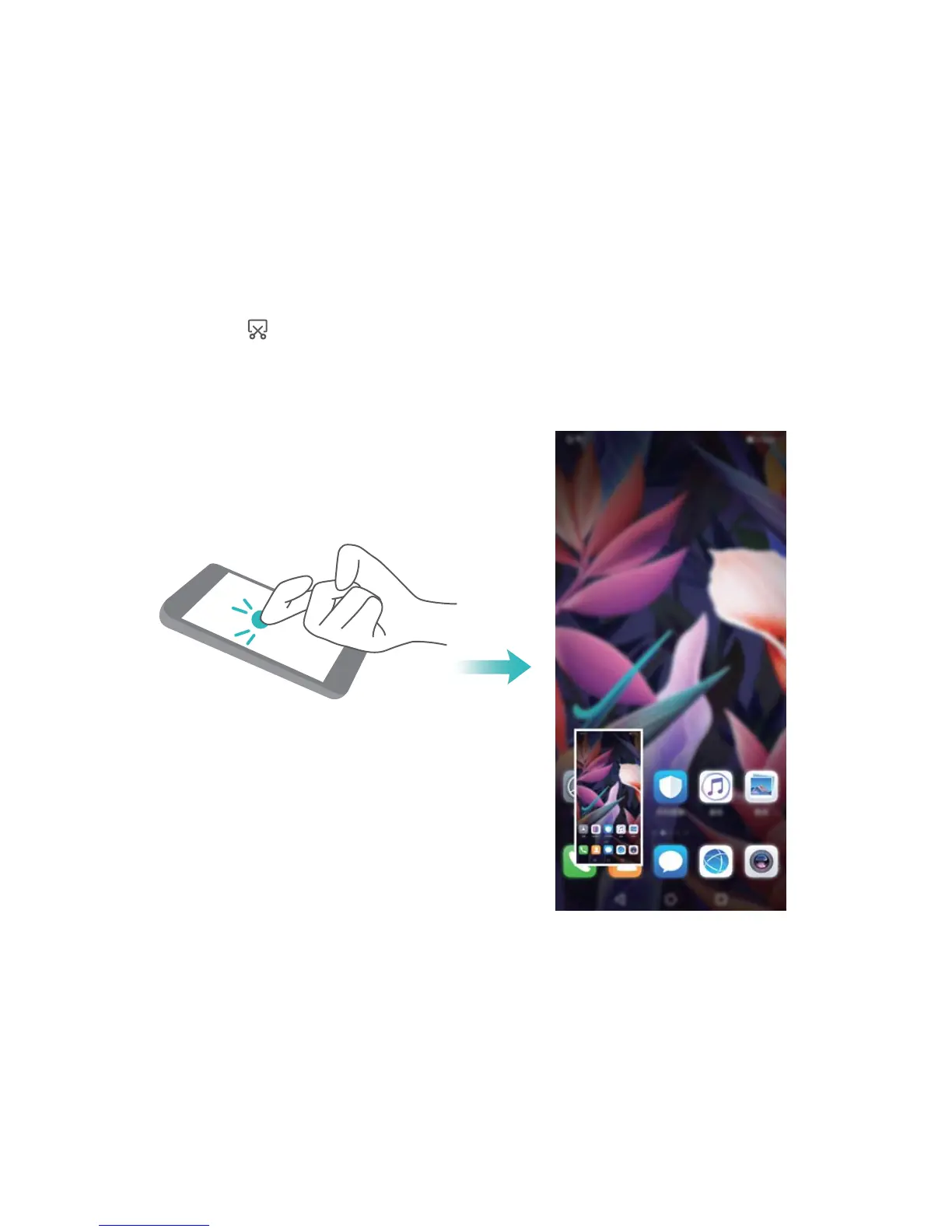
Use knuckle to take scr
eenshot: Use a knuckle to gently double-tap the screen in quick succession
to take a screenshot of the full screen.
10



 To Next Page