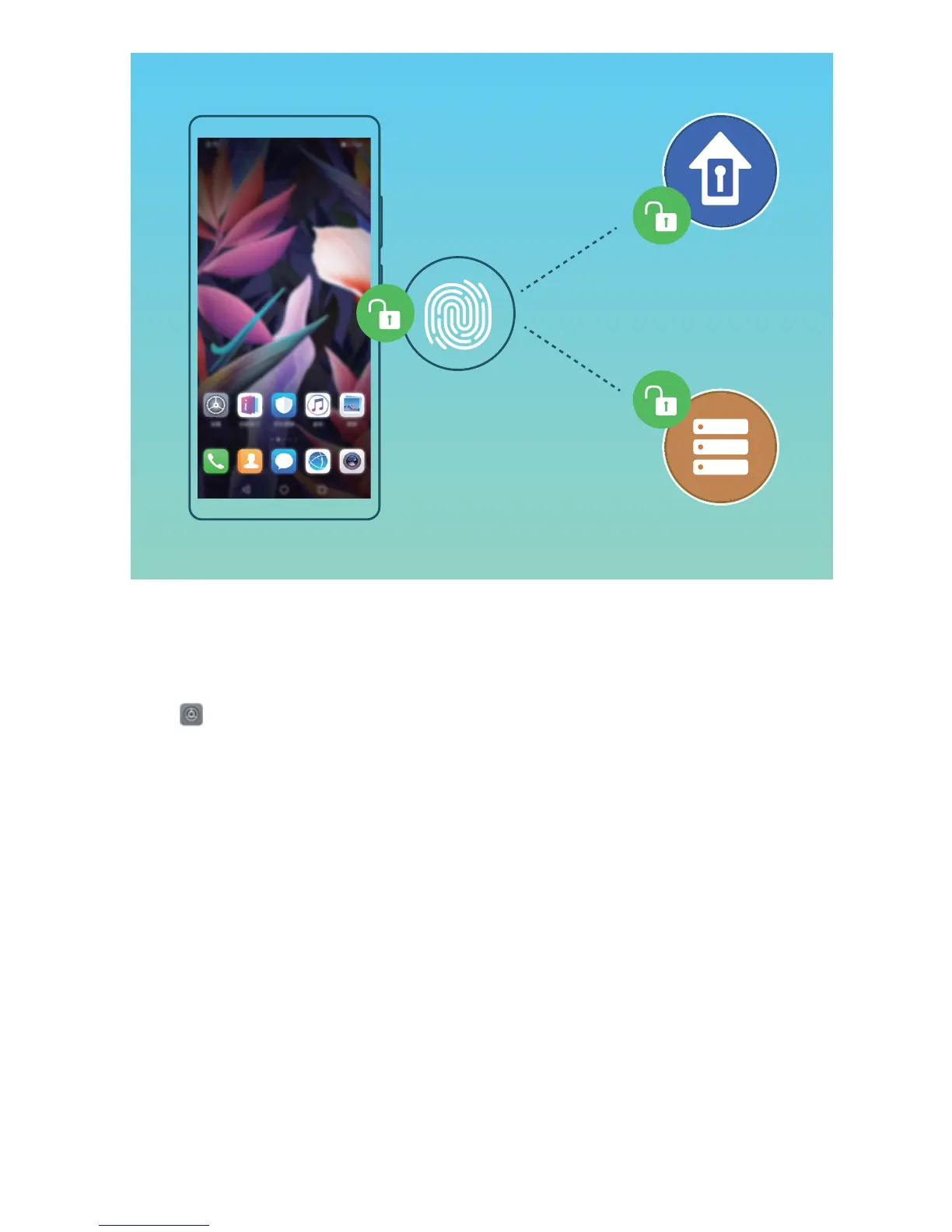
Add or Modify a Fingerprint
Y
ou can enroll a maximum of ve ngerprints on your device. You can also delete or rename your
ngerprints.
1 Open
Settings.
2 Go to Security & privacy > F
ingerprint ID.
3 Enter the screen unlock password and then follow the onscreen instructions to enter the
ngerprint conguration screen.
4 In the Fingerprint list section, you can:
l Enroll a new ngerprint: Touch New in-scr
een ngerprint > ENROLL FINGERPRINT to
enroll a new ngerprint.
l Rename or delete a ngerprint: Touch a previously enrolled ngerprint to rename or delete
it.
l Identify a ngerprint: Touch Fingerprint recognition to identify and highlight enrolled
ngerprints.
Use a Fingerprint to Quickly Access Private Information
Tired of having to enter a password each time you want to access private information in your Safe or
a locked app? You can use your ngerprint to quickly access your private information. This method is
convenient and safe.
Security and Privacy
81



 To Next Page