/ / /
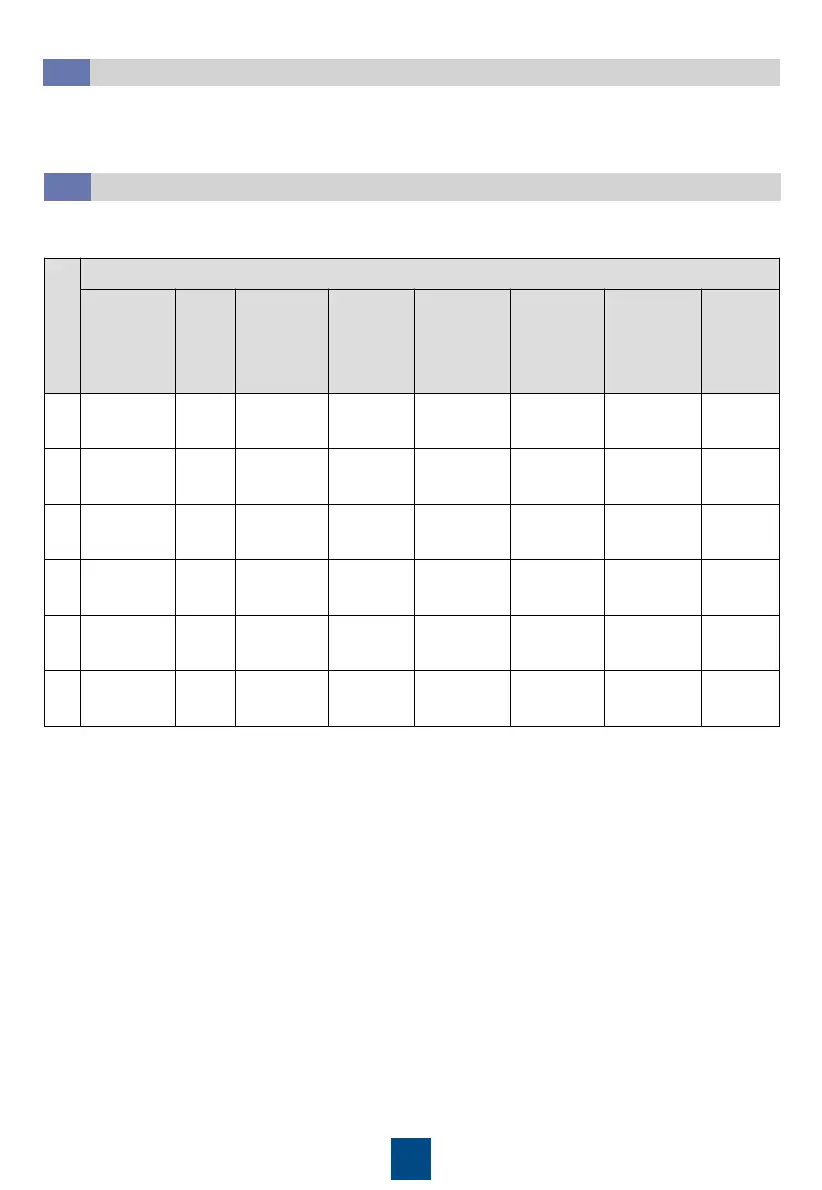
The table uses 8 smart cooling products in CAN teamwork as an example.
1. Teamwork group No.: A teamwork network can contain a maximum of four groups, which
can be numbered 1 to 4 respectively. Smart cooling products in a group must have the
same teamwork group number.
2. System address: In a teamwork group, the address (1–32) of each unit must be unique and
the unit with the smallest address is the master unit.
3. Networking mode: The networking mode set on the screen must be consistent with the
actual networking mode.
4. Enable teamwork CAN resistor: Set the parameter if CAN teamwork is used. Set the
parameter to ON for the first and last units.
5. Number of systems in this group: Specifies the number of units in a group. The value is an
integer ranging from 1 to 32.
6. Number of running systems in this group: Specifies the number of running units in a group.
The value ranges from 1 to the number of units in the group.
7. Rotation function: If this function is enabled, the active and standby units will work
alternately. This function is recommended when the heat load is even.
1. Set the control mode based on the actual configuration of T/H sensors.
2. If a differential pressure switch is configured, set Indoor fan control type to Pressure diff ctrl.
Configuring
Initial Parameters
10.3







 To Next Page