Huawei Proprietary and Confidential
Copyright © Huawei Technologies Co., Ltd.
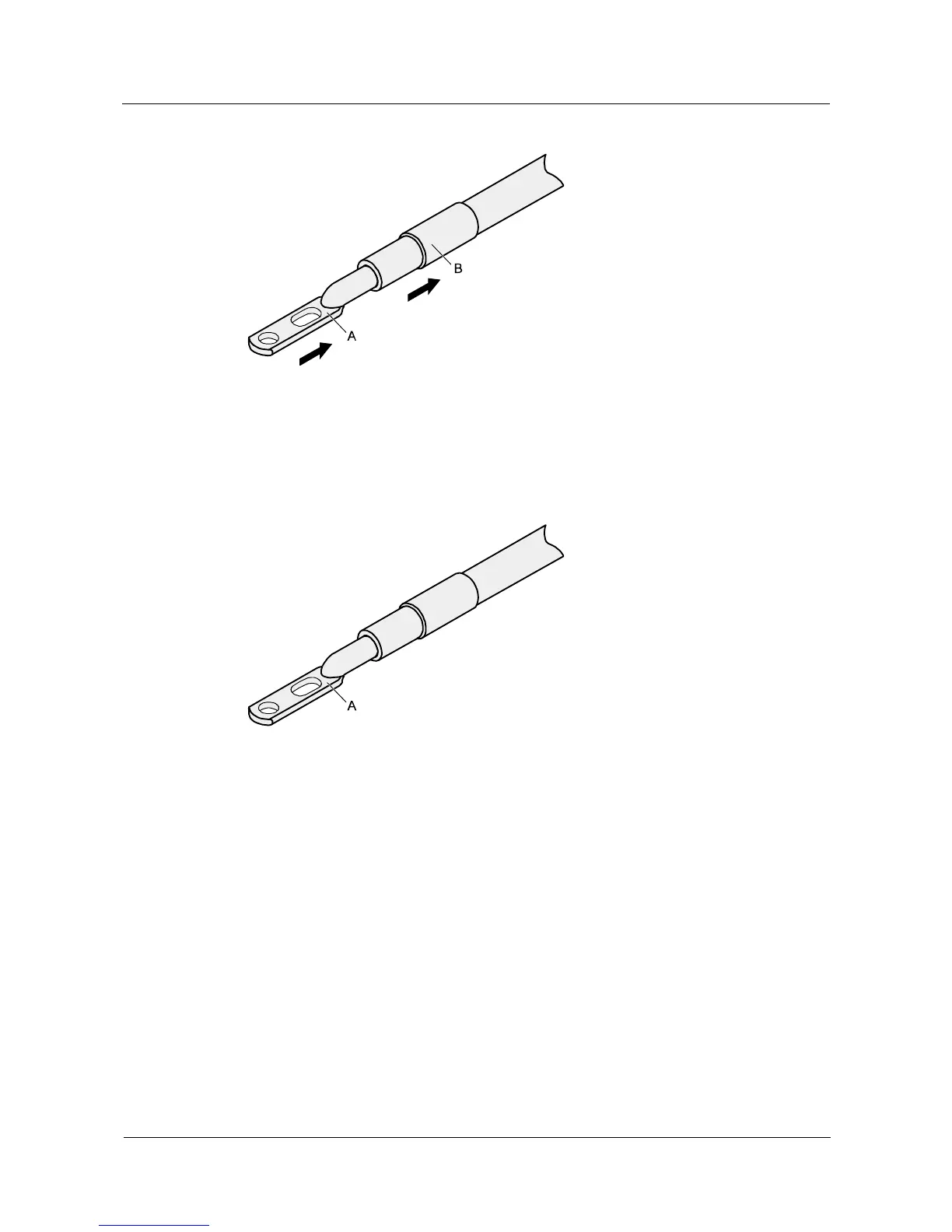
Figure 5-8 Putting the heat shrink tubing onto the bare crimping terminal
Step 3 Put the bare crimping terminal onto the exposed conductor, and ensure that the bare crimping
terminal is in good contact with the insulation of the power cable, as shown in Figure 5-8.
Step 4 Crimp the joint parts of the bare crimping terminal and the conductor, as shown in Figure 5-9.
Figure 5-9 Crimping the joint parts of the bare crimping terminal and the conductor (JG terminal)
Step 5 Push the heat shrink tubing toward the connector until the tube covers the crimped part, and
then use a heat gun to heat the tube, as shown in Figure 5-10.



 To Next Page