Huawei Proprietary and Confidential
Copyright © Huawei Technologies Co., Ltd.
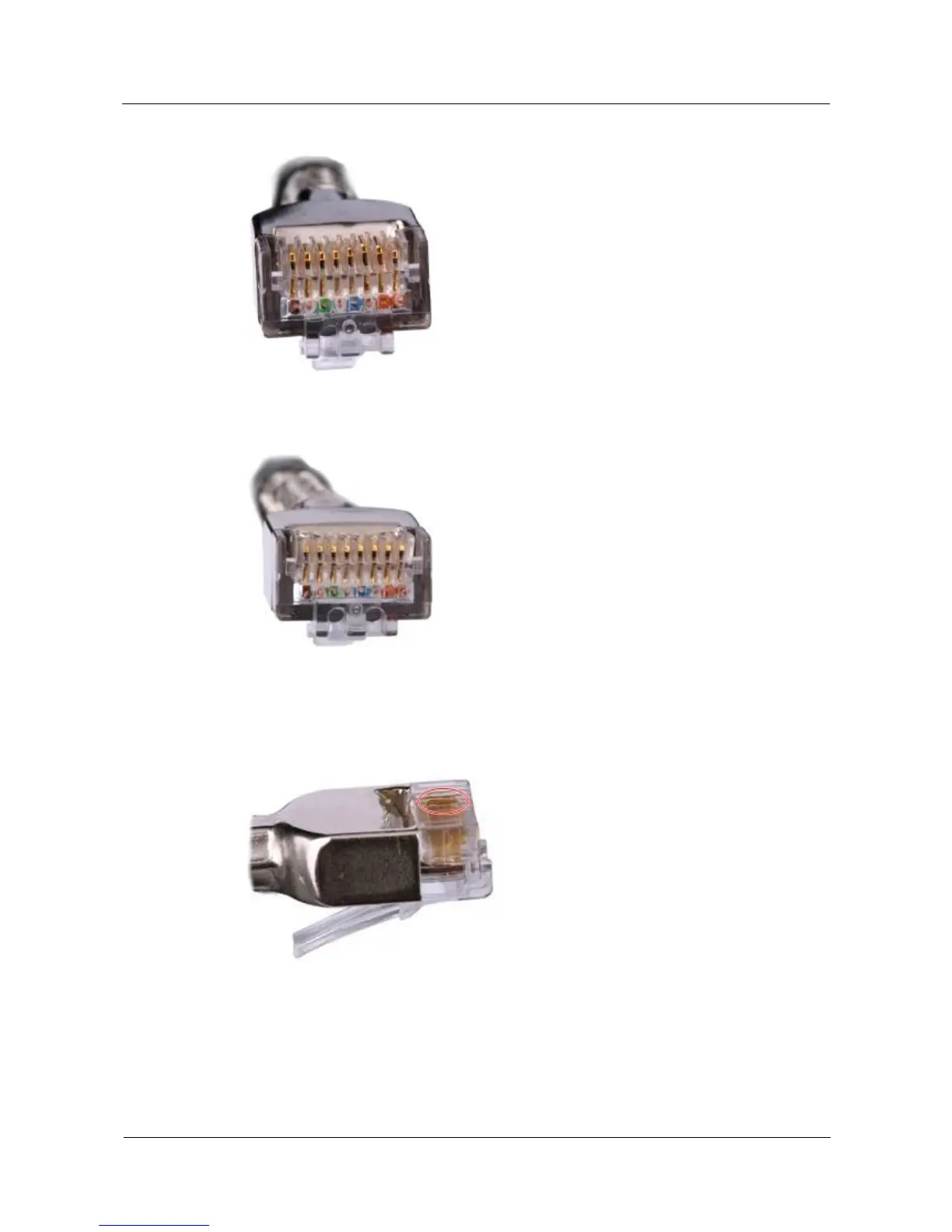
Figure 5-32 Contact strips of different heights
Figure 5-33 Contact strips of the same height
Step 2 Hold an RJ45 connector and turn it 45°. Observe the top edges of the metal contact strips.
Figure 5-34 shows an unqualified piece.
Figure 5-34 Unparallel contact strips of different heights
Step 3 Check whether the contact strips are clean. If they are not clean and the dirt cannot be
removed, replace it with a new RJ45 connector. Figure 5-35 shows an unqualified piece.



 To Next Page