Huawei Proprietary and Confidential
Copyright © Huawei Technologies Co., Ltd.
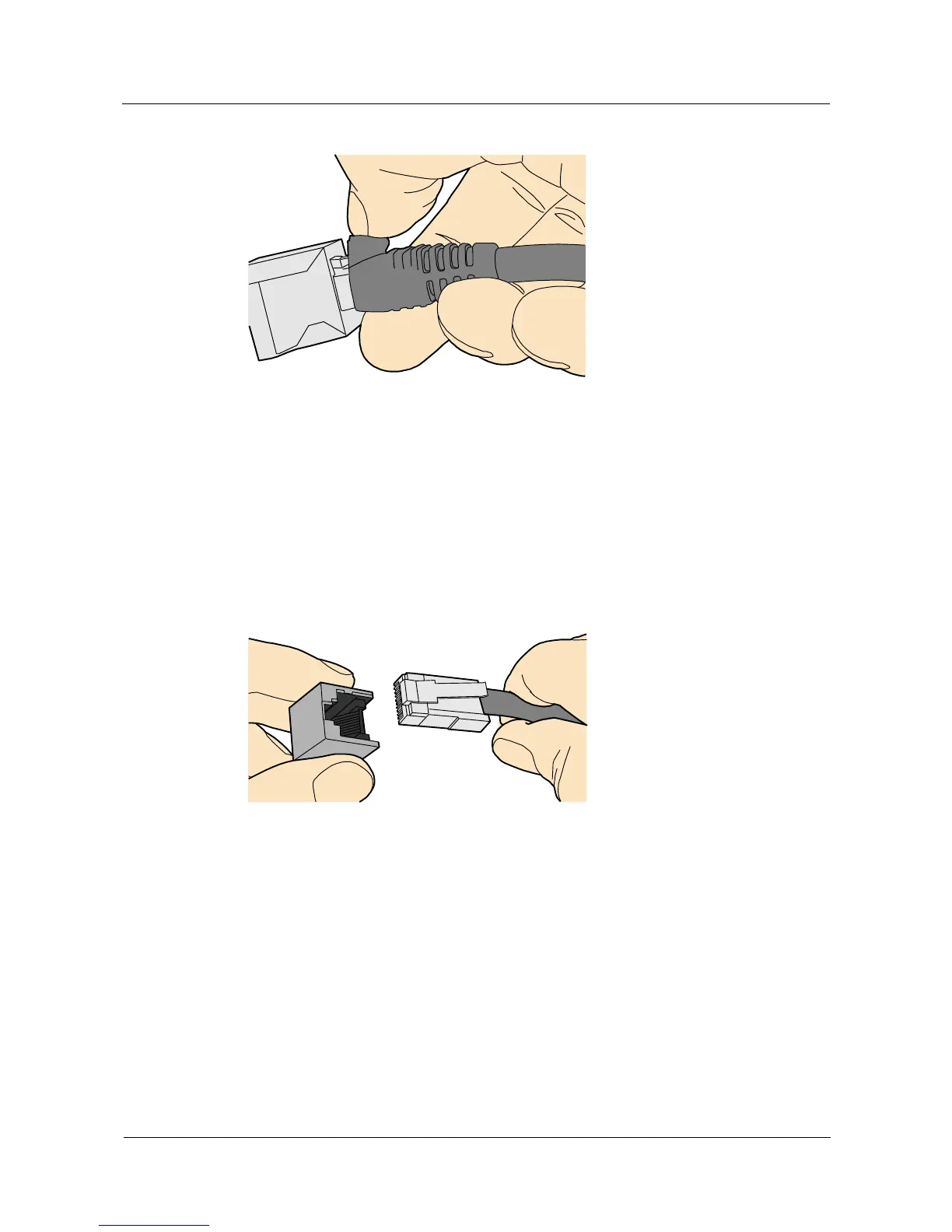
Figure 5-53 Removing a shielded Ethernet connector
----End
Installing an Unshielded Ethernet Connector
Procedure
Step 1 Hold the male and female connectors, with the male connector facing the female connector, as
shown in Figure 5-54.
Figure 5-54 Holding the male and female unshielded connectors
Step 2 Feed the male connector into the female connector, as shown in Figure 5-55.



 To Next Page