8
3Advanced Settings
Overview
Click Advanced Settings, you can configure both
the basic attributes and advanced parameters of the
device, and also perform routine maintenance and
management to the device.
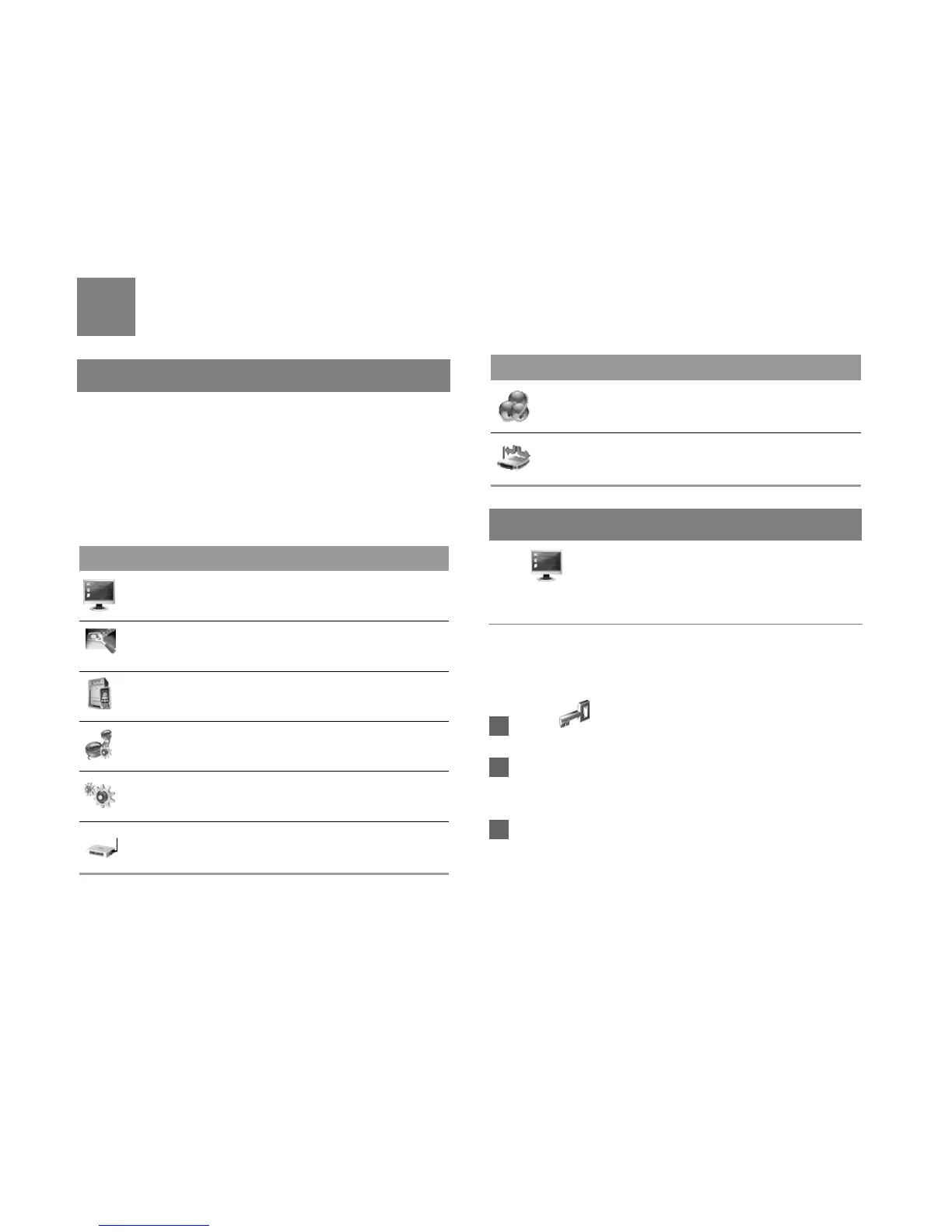
The following table shows the functions of the
shortcut icons.
System Management
Click to access the System page.
Changing the Password
You can change the login password to prevent
unauthorized users from logging in to the
management page.
1 Click .
2 Enter the current password, and then enter the
new password and confirm it.
3 Click Modify.
Icon Description
Click to access the System page.
Click to access the SIM Settings page.
Click to access the Mobile Network
Settings page.
Click to access the Dial-up Settings page.
Click to access the DHCP Settings page.
Click to access the WLAN Settings page.
Click to access the Dynamic DNS Settings
page.
Click to access the Static Route Settings
page.
Icon Description



 To Next Page