Down button
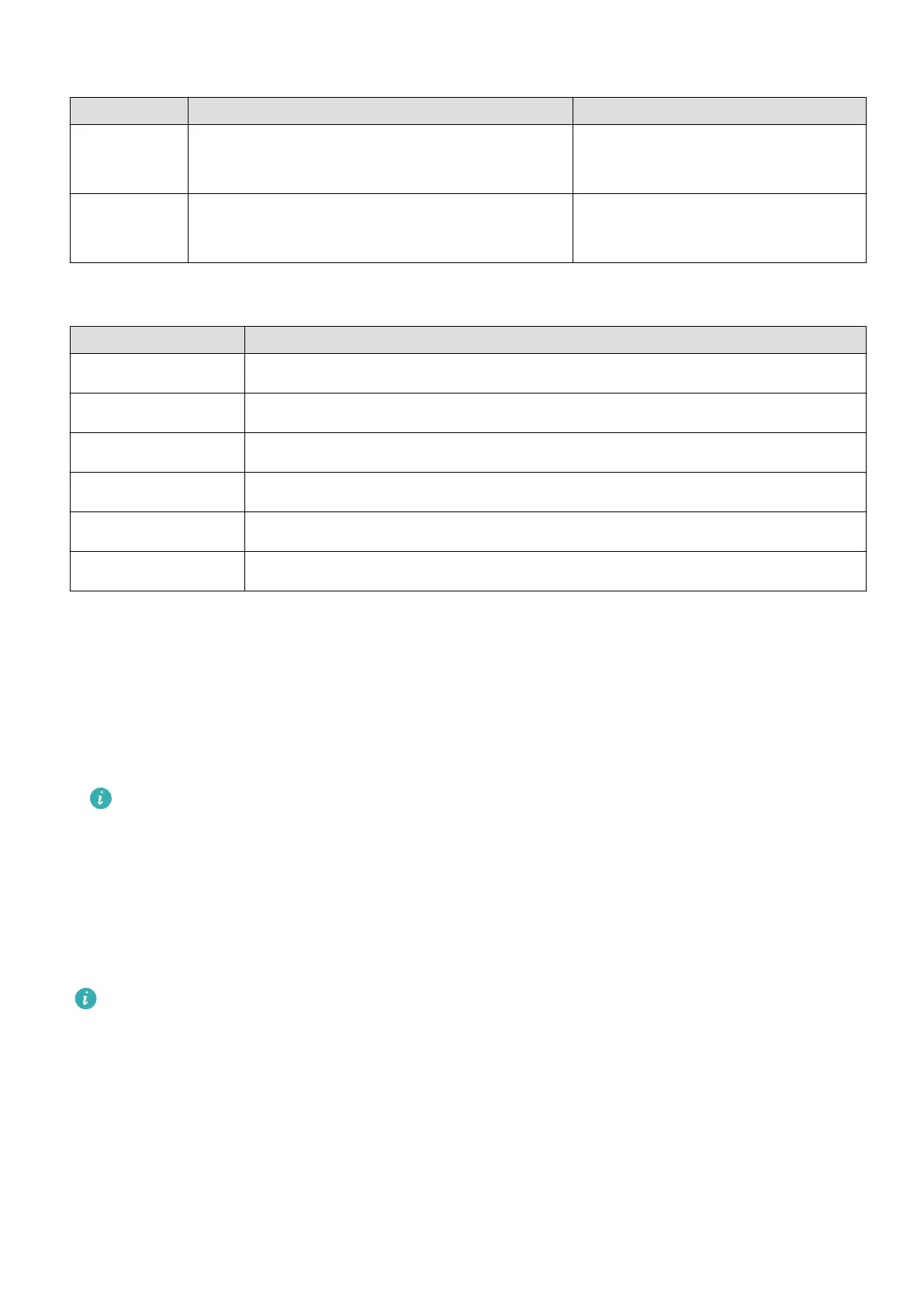
Operation Function Remarks
Press Open the Workout app.
Access the set customized app.
There are certain exceptions such
as for calls and workouts.
Press and
hold
Wake up the voice assistant. -
Gestures
Operation Function
Touch Conrm your selection.
Touch and hold Change the watch face.
Swipe up View notications.
Swipe down View the shortcut menu.
Swipe left or right View watch feature cards or enter the Assistant·TODAY screen.
Swipe right Return to the previous screen.
Turning on the screen
• Press the Up button.
• Raise or rotate your wrist inwards.
• Swipe down on the home screen to open the shortcut menu. Enable Show Time for the
screen to stay on for
ve minutes.
To set a dierent duration for the screen to stay on, go to Settings > Display &
Brightness > Screen time.
Turning o the screen
Perform no operations for a period of time after you turn on the screen by pressing the
button or raising your wrist.
Cover the entire screen to turn o the screen.
• To set a duration for the screen to stay o, go to Settings > Display & Brightness >
Sleep to set a duration.
• To enable the watch face and some app screens to stay on, go to Settings > Watch
face & launcher and enable Always On Display.
• To change the AOD style, go to Settings > Watch face & launcher > AOD style >
Default style and select a dierent AOD style.
Getting Started
2















 To Next Page