Getting Started
Buttons and gestures
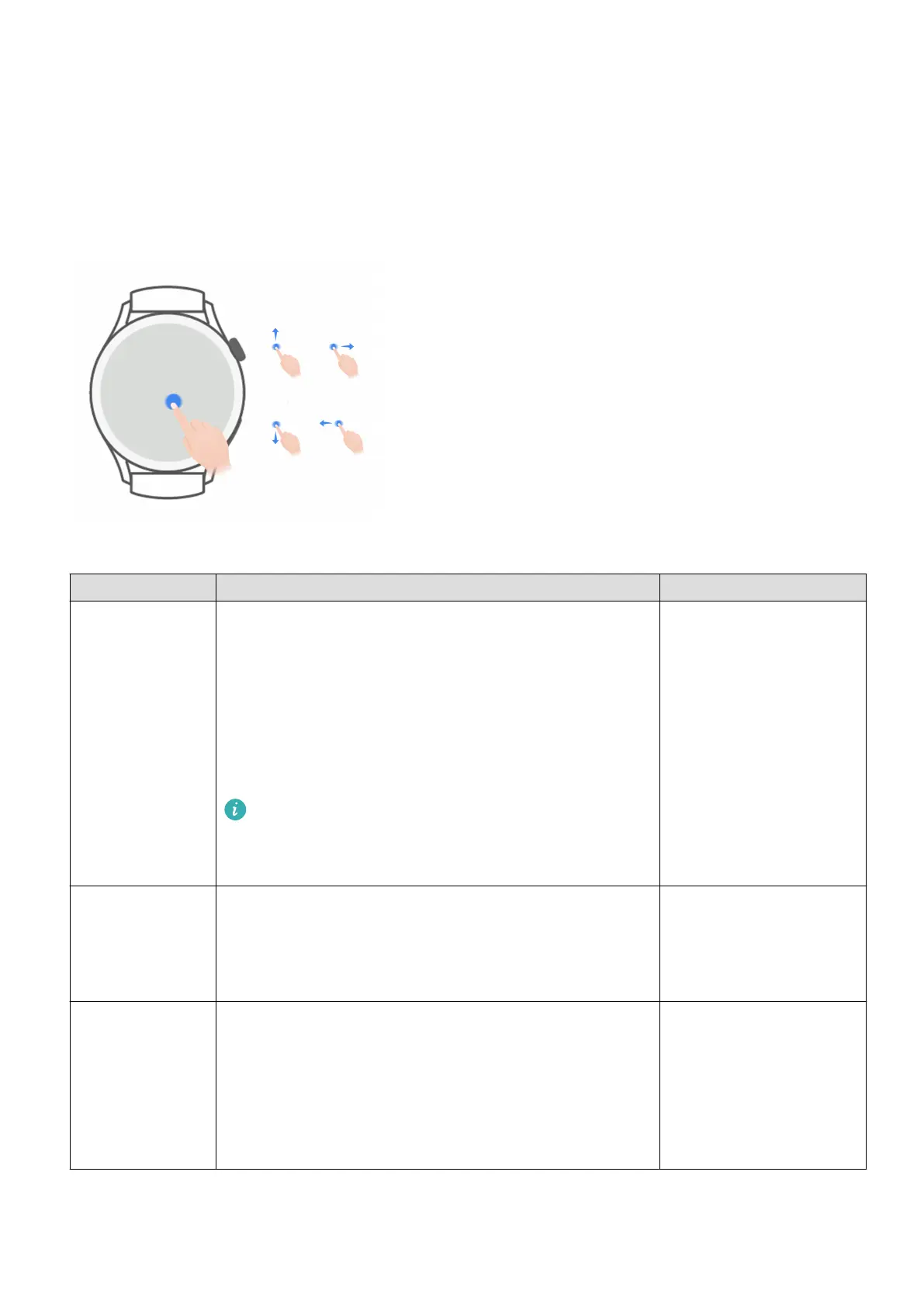
The watch is equipped with a color touchscreen that is highly touch-responsive and can be
swiped in dierent directions.
Up button
Operation Function Remarks
Rotate • In Grid mode, zoom in and out on an app on the
app list screen.
• In List mode, swipe up and down on the app list
screen or the details screen.
• Scroll up and down the screen after you enter an
app.
To enable Grid or List mode on your watch, go
to Settings > Watch face & launcher >
Launcher and select Grid or List.
There are certain
exceptions such as for
calls and workouts.
Press • Turn on the screen.
• Open the app list screen from the home screen.
• Return to the home screen.
There are certain
exceptions such as for
calls and workouts.
Press and hold • Power on the watch.
• Access the restart/power-o screen when the
watch is powered on.
• Forcibly restart the watch by pressing and
holding the button for more than 12 seconds.
There are certain
exceptions such as for
calls and workouts.
1













 To Next Page